Product Design Case
Website Builder, Online Shops Project
System for creating online stores · Heb / Eng · E-Commerce
About E-Commerce project
Project details
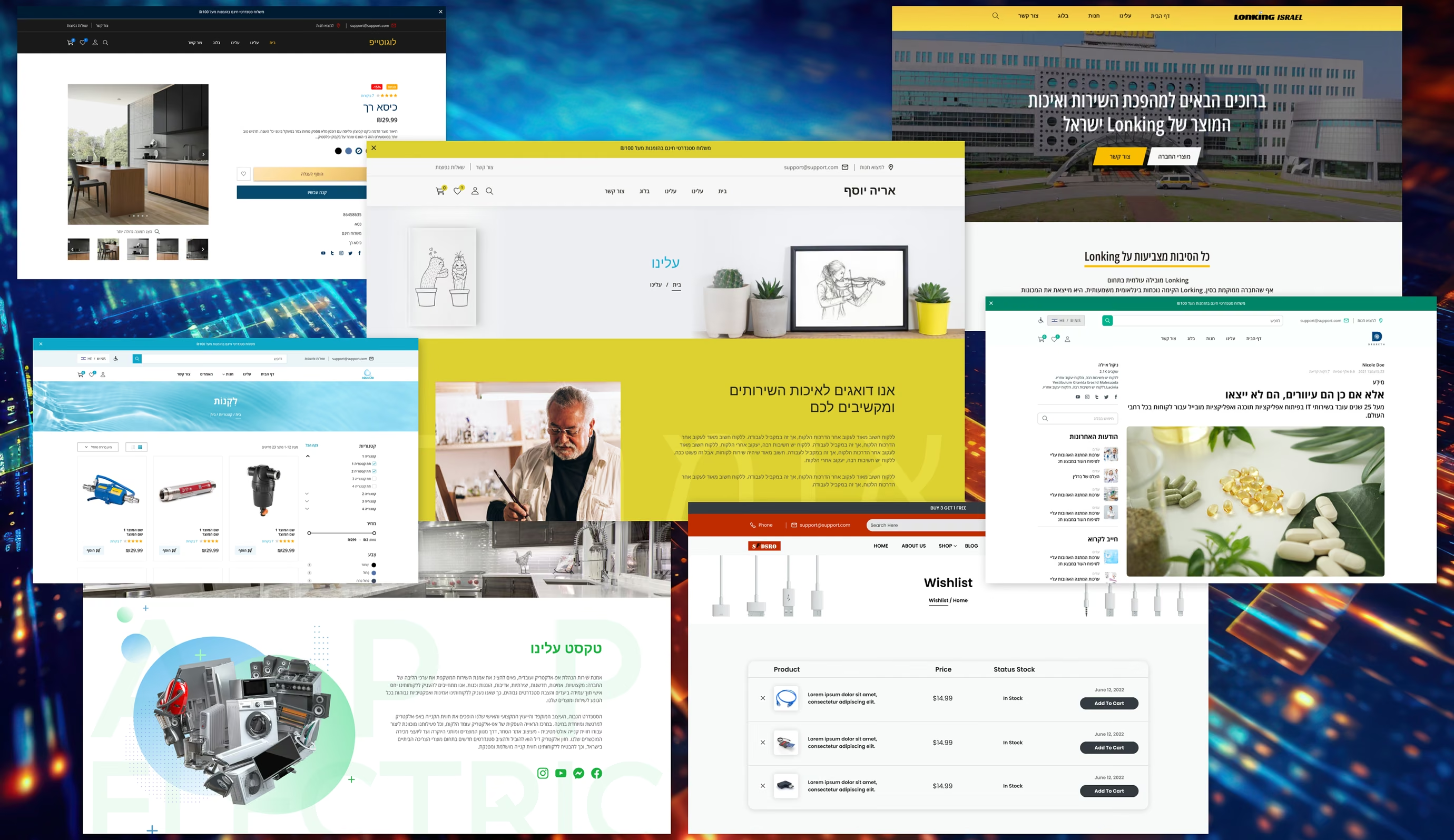
This is not just a design project of an online store. I worked on creating a system of components, templates, adaptives and elements for convenient and fast creation of online stores. This helped the outsourcing company to take a large number of orders for the creation of online stores and do them in a very short time.
My role
User Experience Designer / Visual Designer
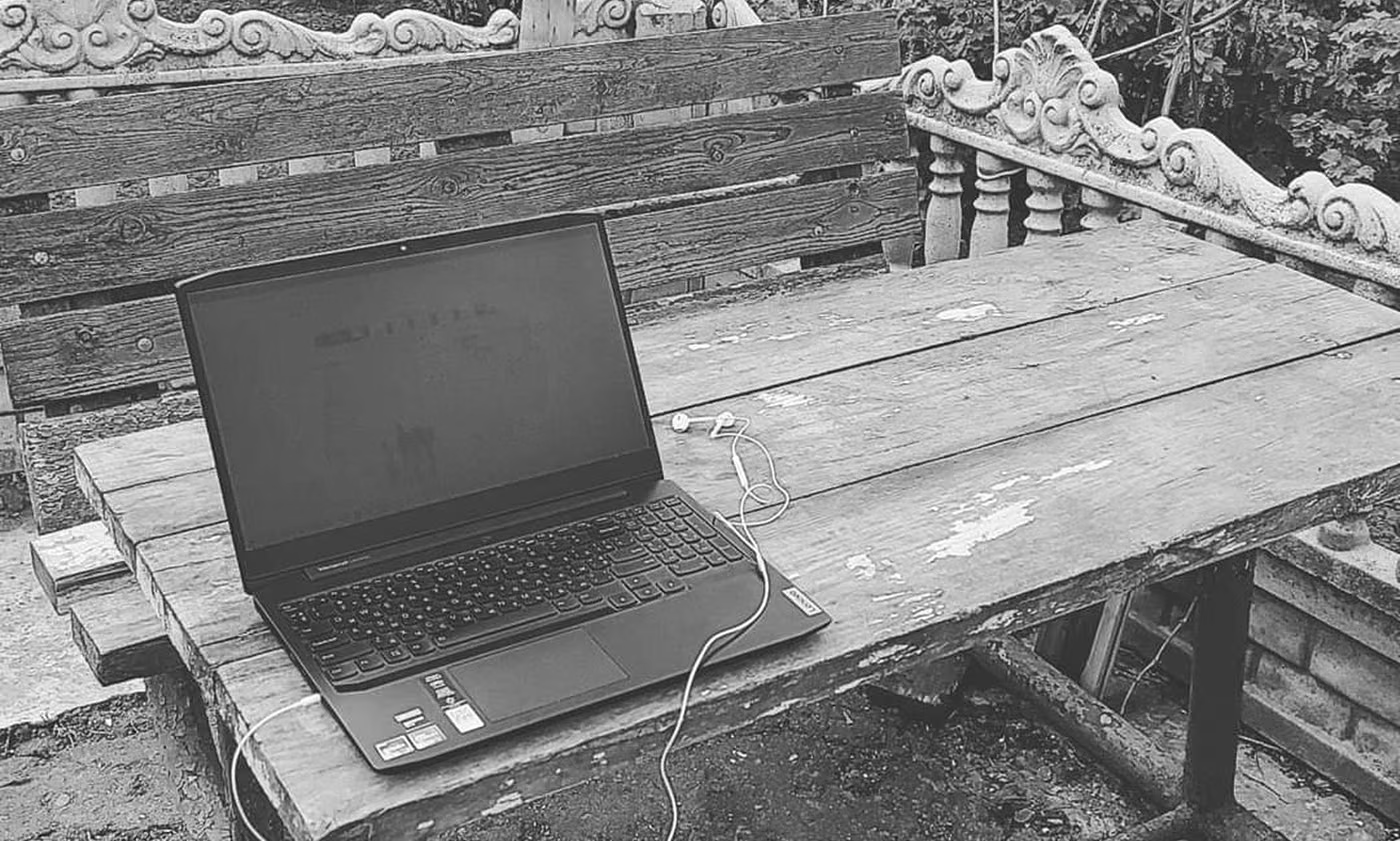
“The war in my country had a great impact on many people. I had to work in cafes, co-working spaces, garages and parking lots. It helped to abstract and delve into projects much more strongly.”
Design process
The project path included identifying our customers' business problem, understanding its nuances, defining user problems and needs, translating the design, creating low-quality templates, and creating screens for responsive design. This process was iterative and therefore helped to create more than one structure of online stores and ensure convenient interaction with customers and the development team.
Working on an idea
Repeated interviews with customers and analysis of this data were conducted during daily brainstorms. Creating personas and empathy maps helped to better understand both customers and users of online stores.
The designers of the team conducted research on competitors and used the best solutions in our project. The first stages were full of meetings with developers and managers, this helped to save valuable time in the future as well.
Research and Visualization
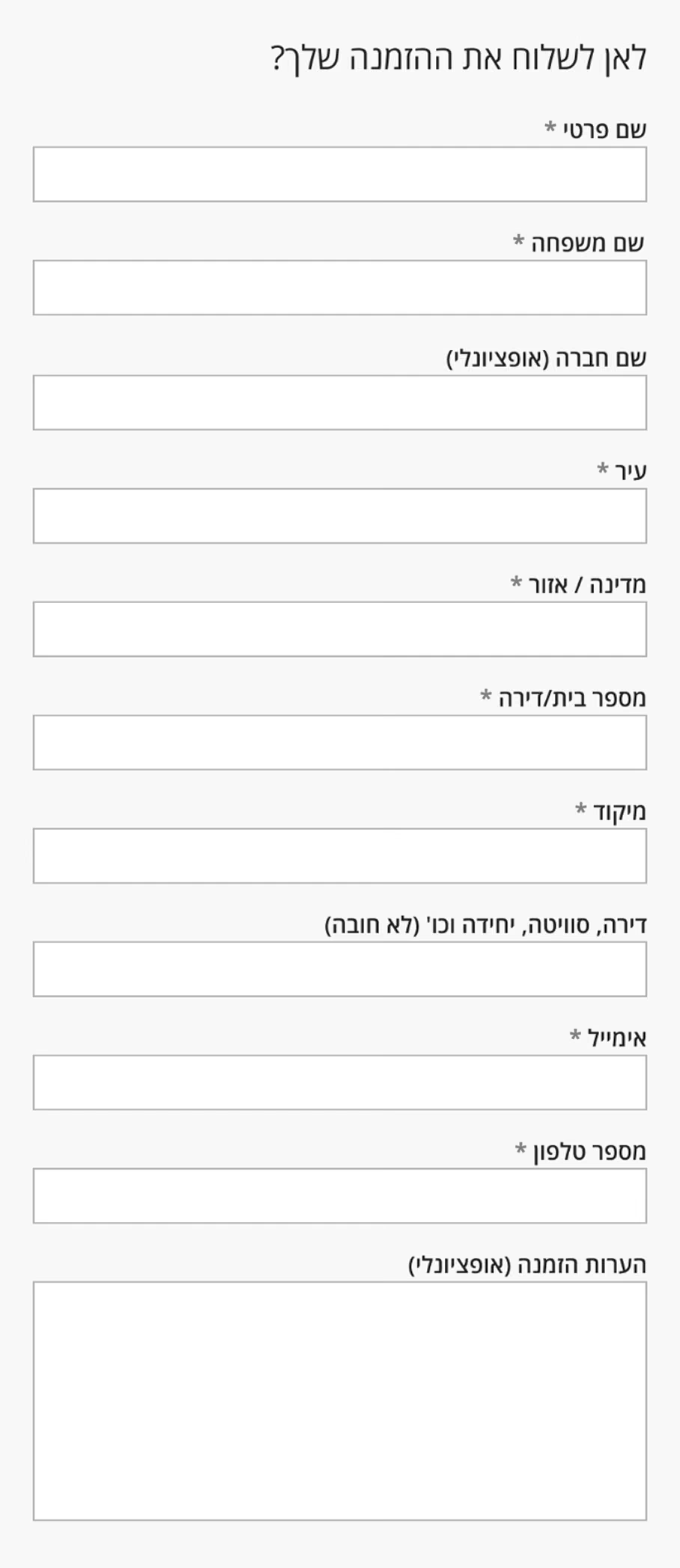
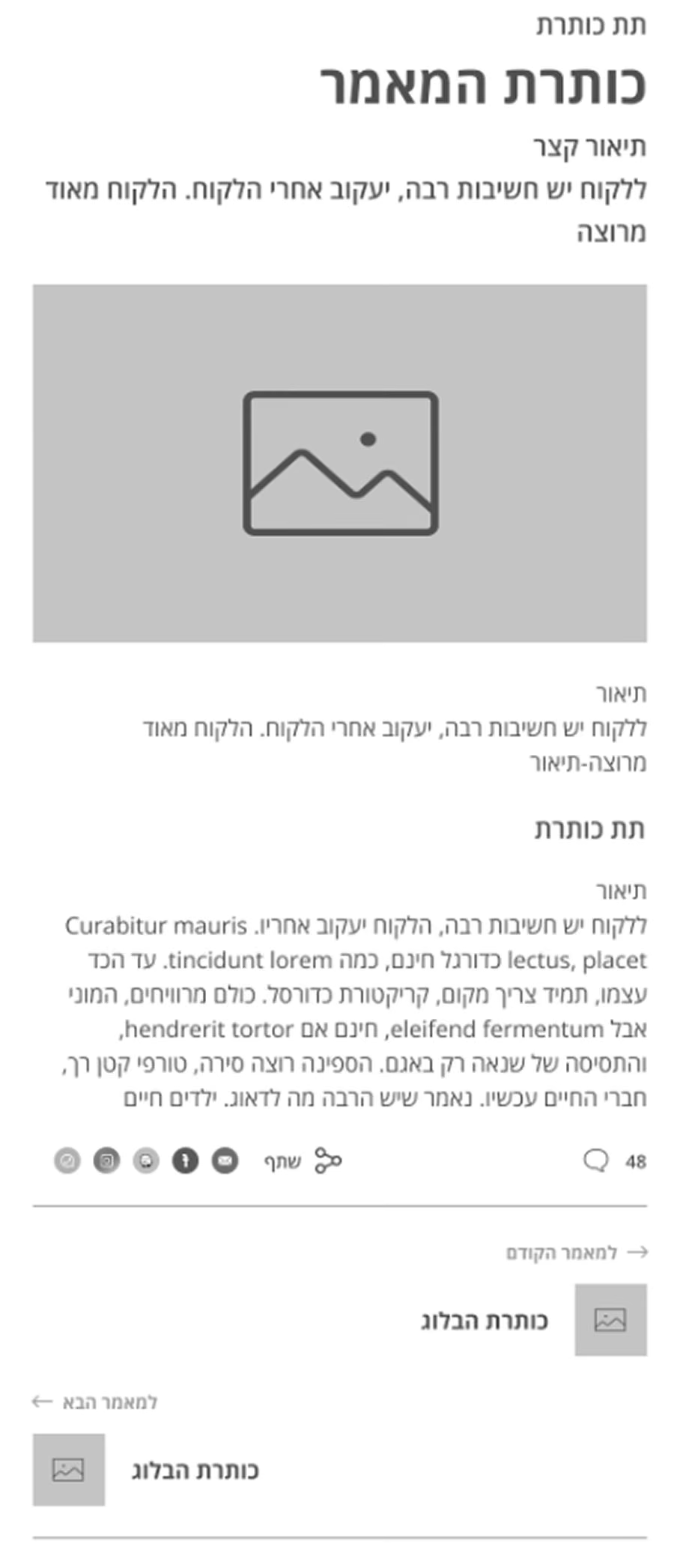
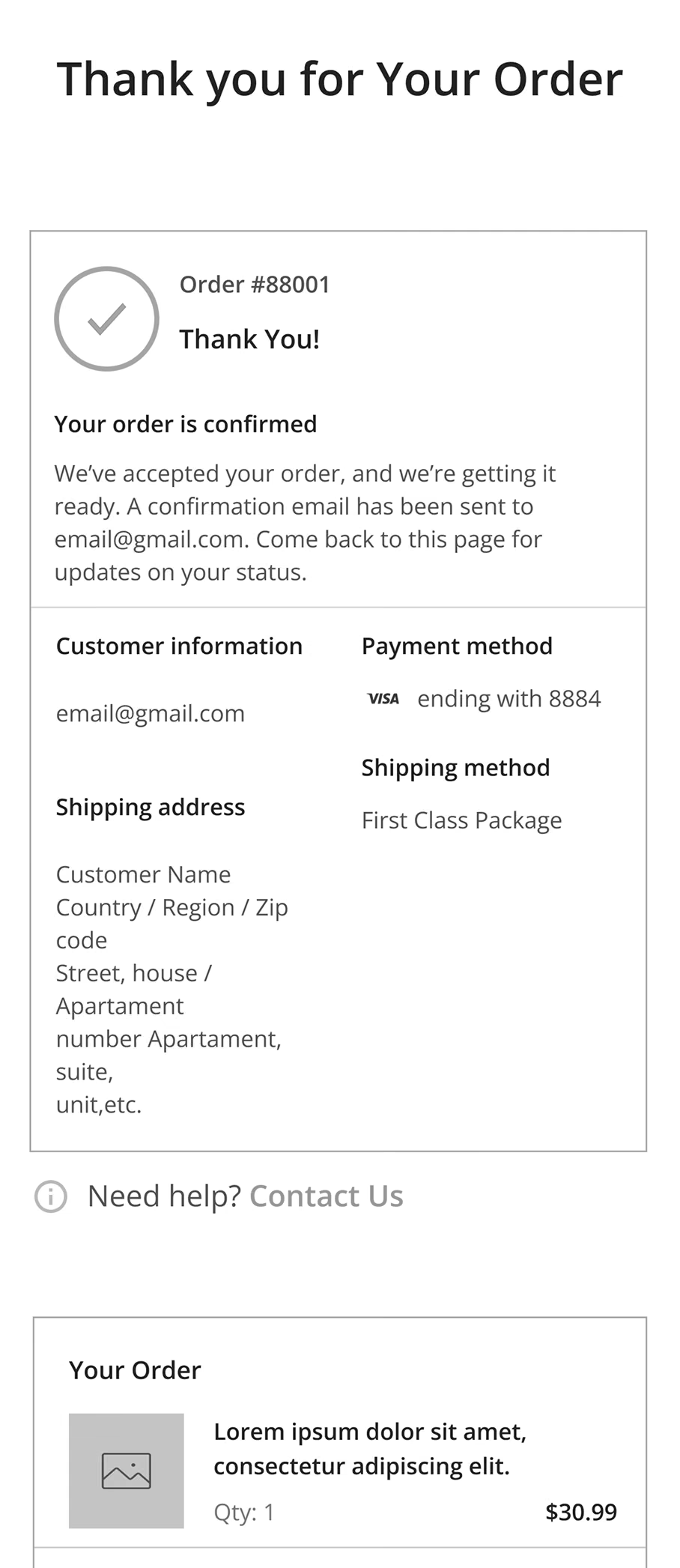
It was a long and interesting way to develop wareframes for various blocks of the online store system. Then the blocks were combined into full-fledged Internet pages. And the last step at this stage is creating screens for responsive design.
Product launch
Front-end developers have made code templates for quick implementation and use for various orders. The manager takes the order from the client, the designer makes a creative visual design, and the developers connect the design by editing the template code.
Alteration
After creating the first version of the online store templates, most of the processes were altered. And as a result, our company had 3 types of E-commerce systems. This helped to expand the customer base and start a very simple but creative process of creating online stores.
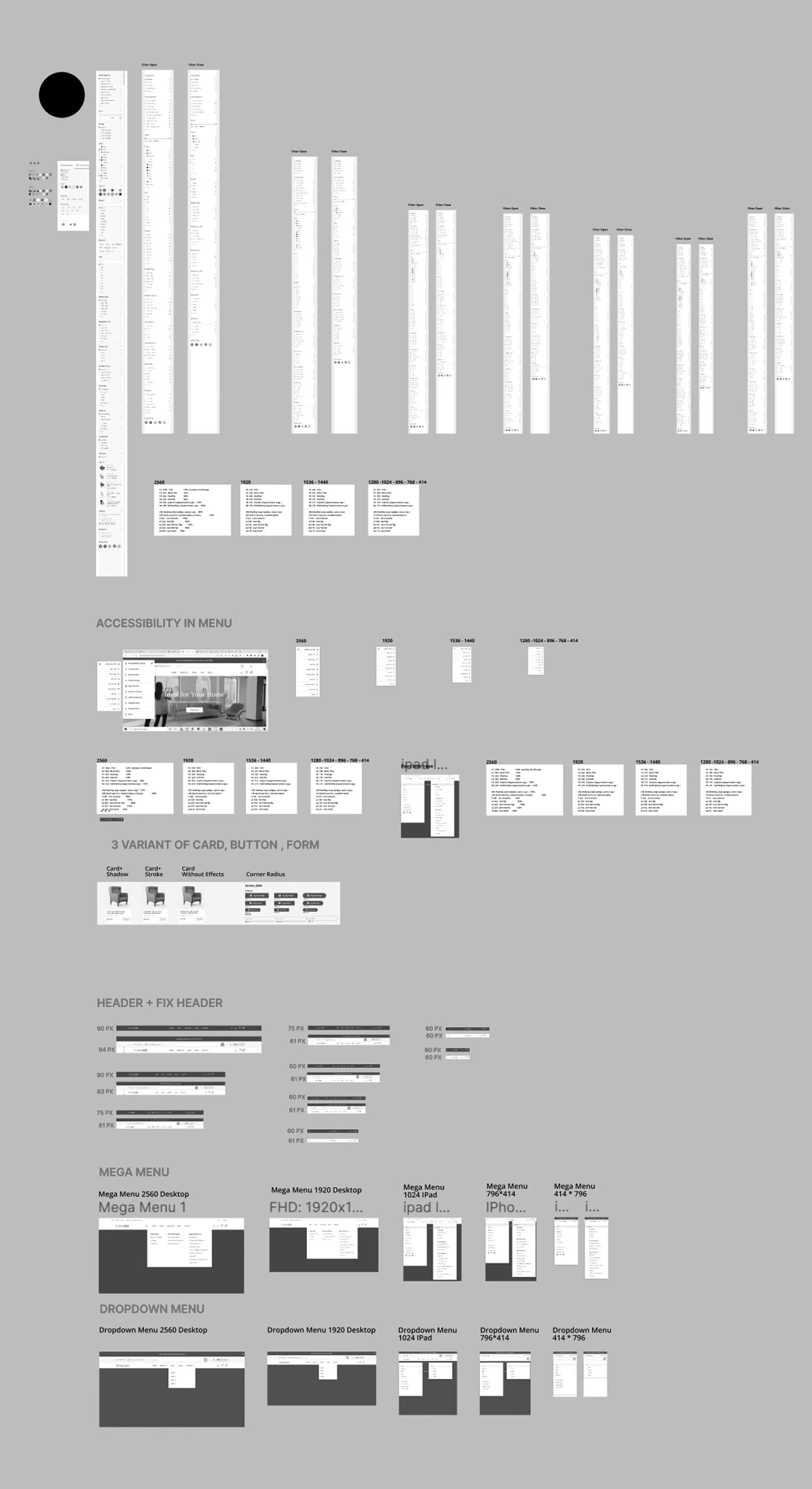
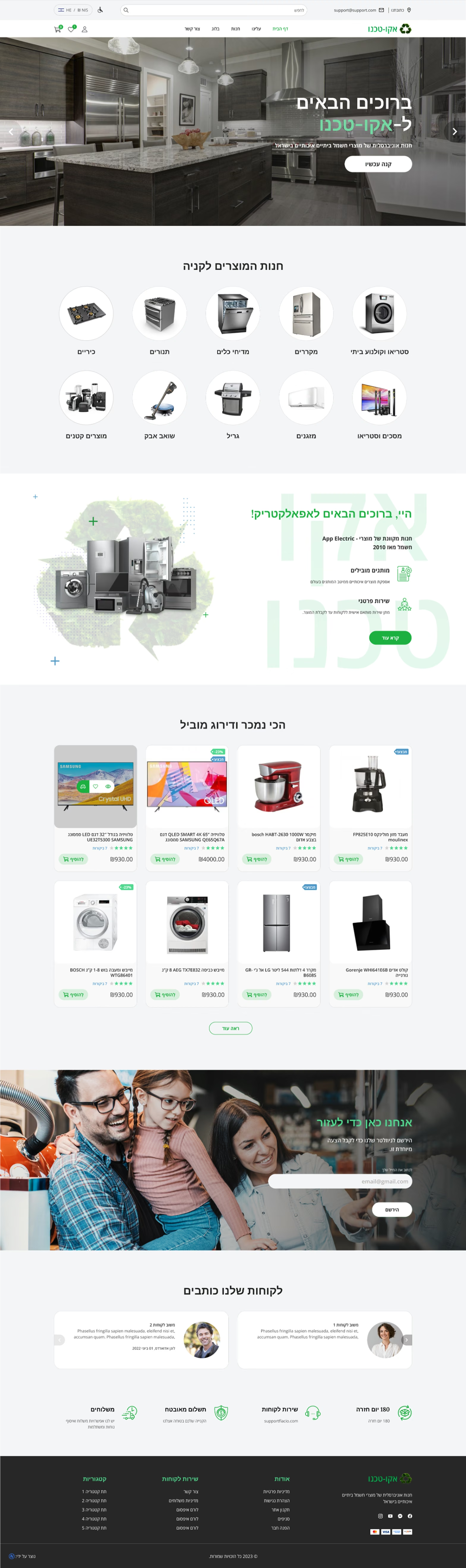
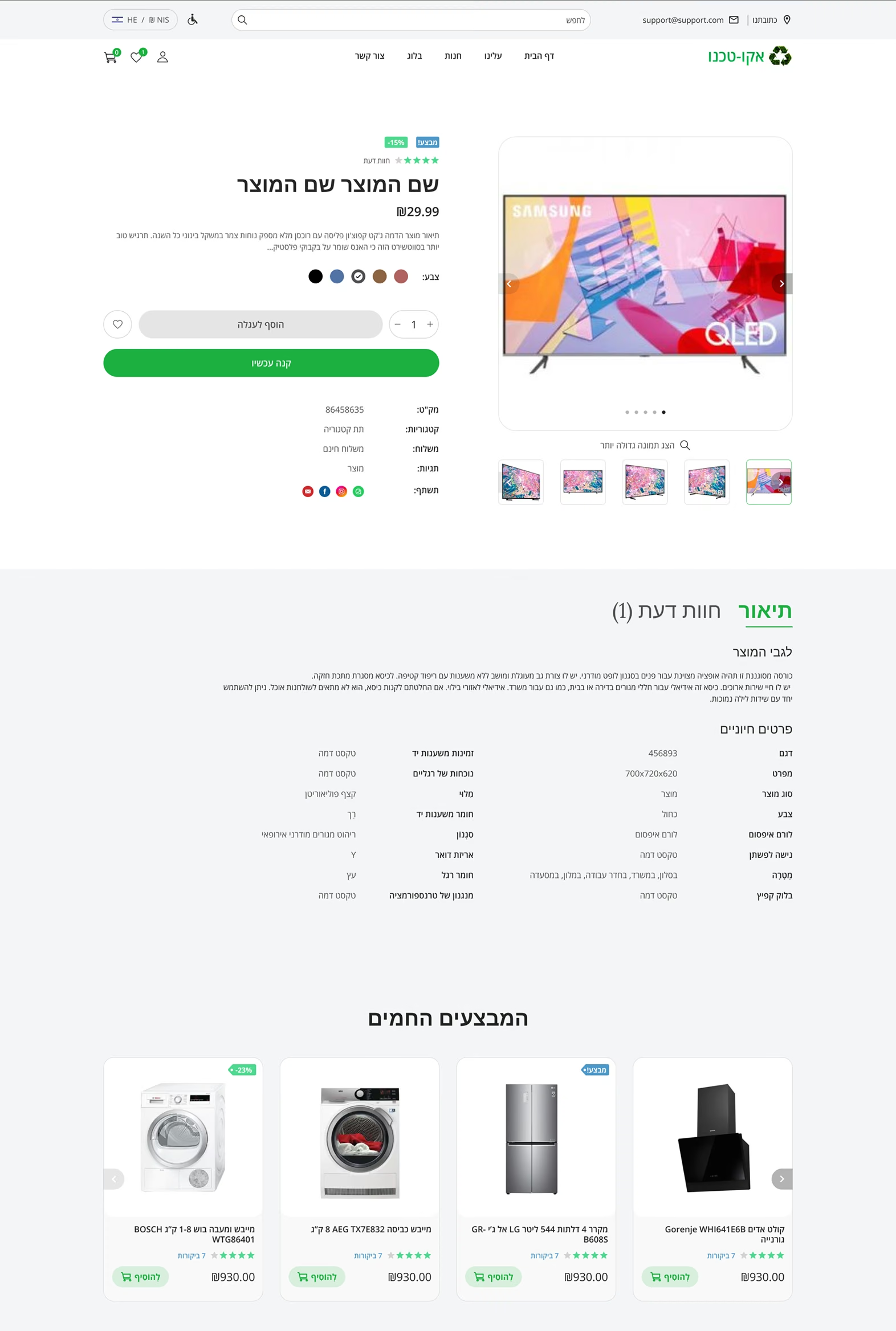
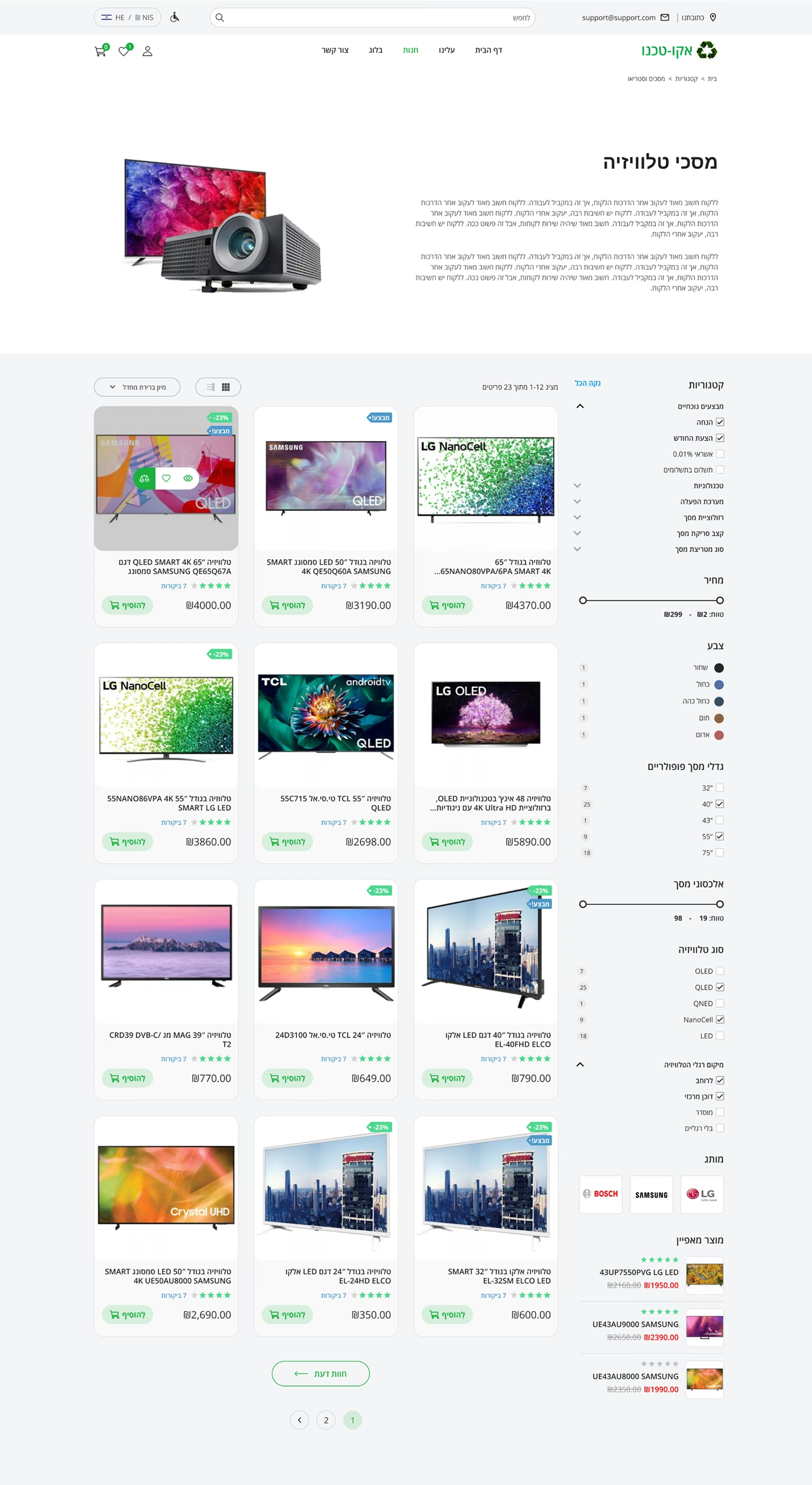
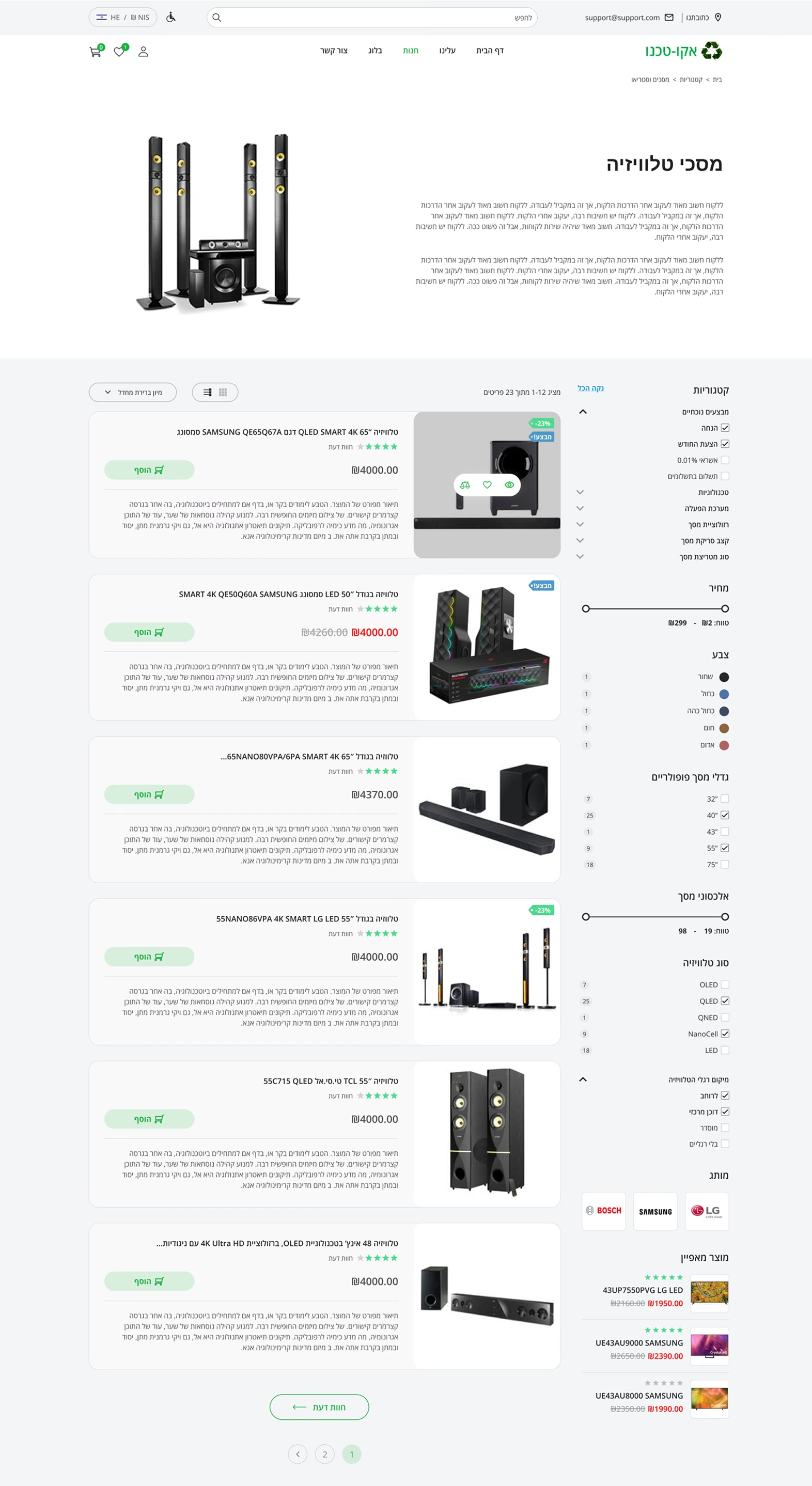
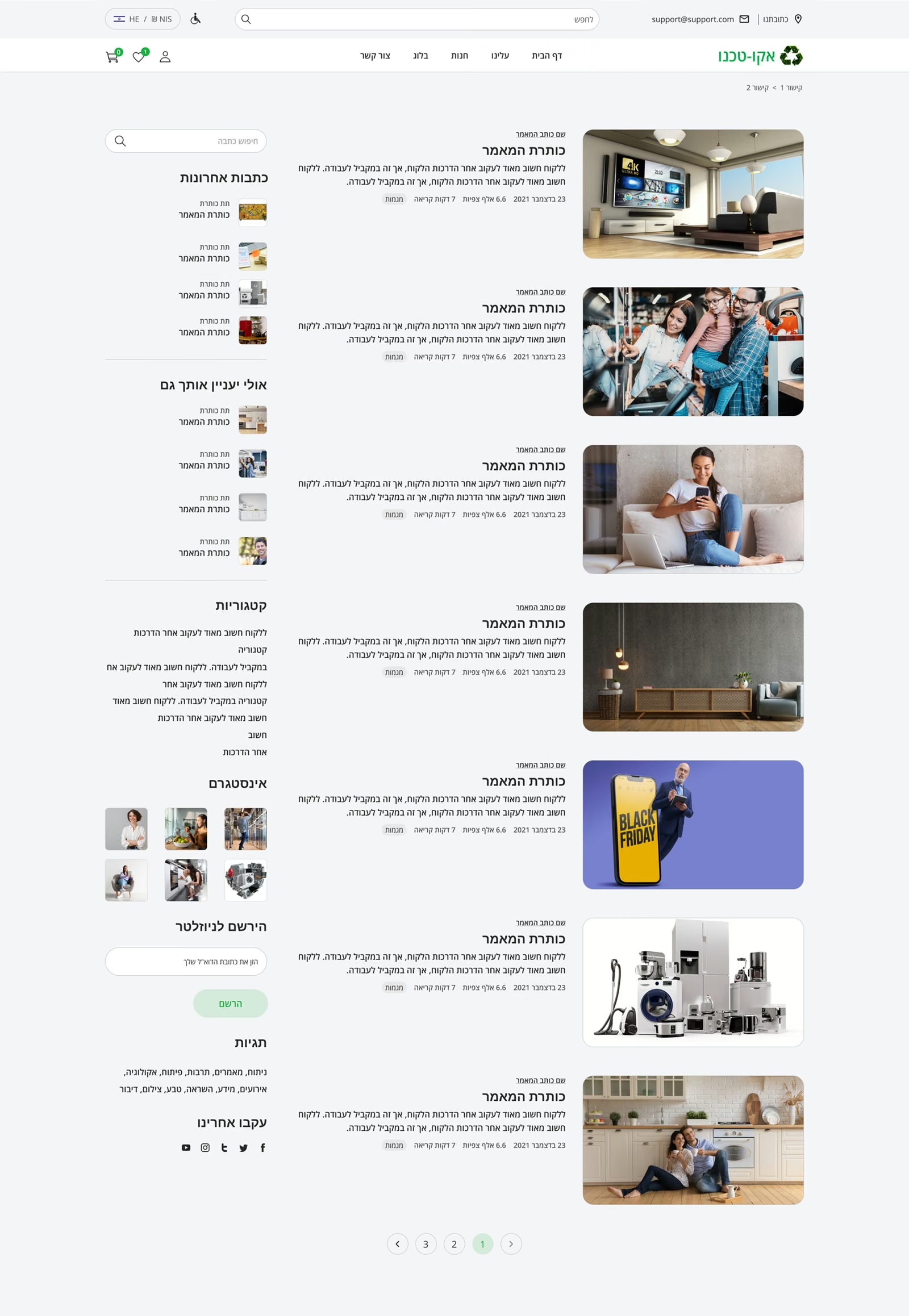
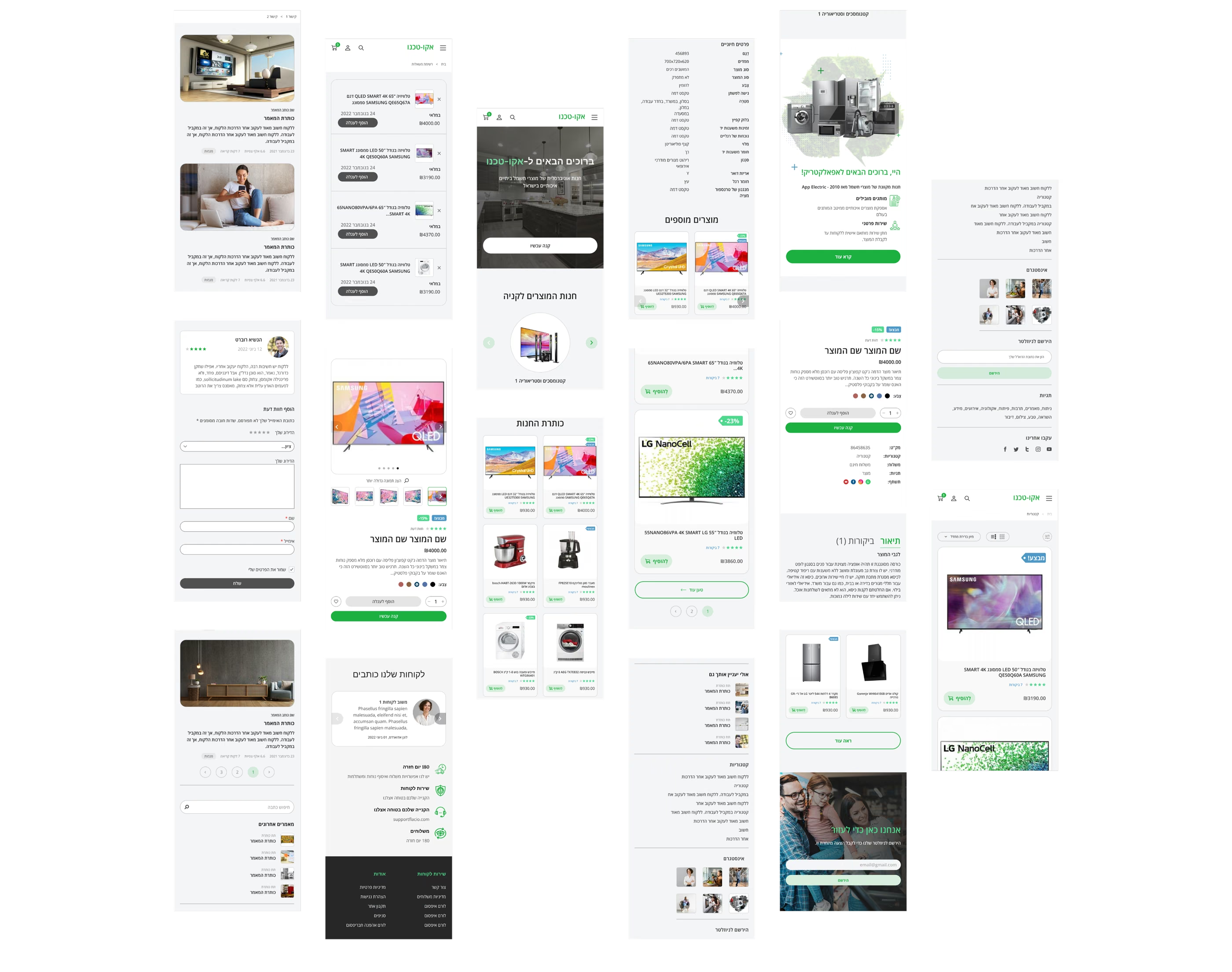
In this case, I will take as an example the visual design of one of the online stores made by me. I will also show the way to build blocks of pages after the competitor research stage, I will show work on different page layouts and the process of creating a responsive design.
Working on an idea
Persona Mark: online-shop
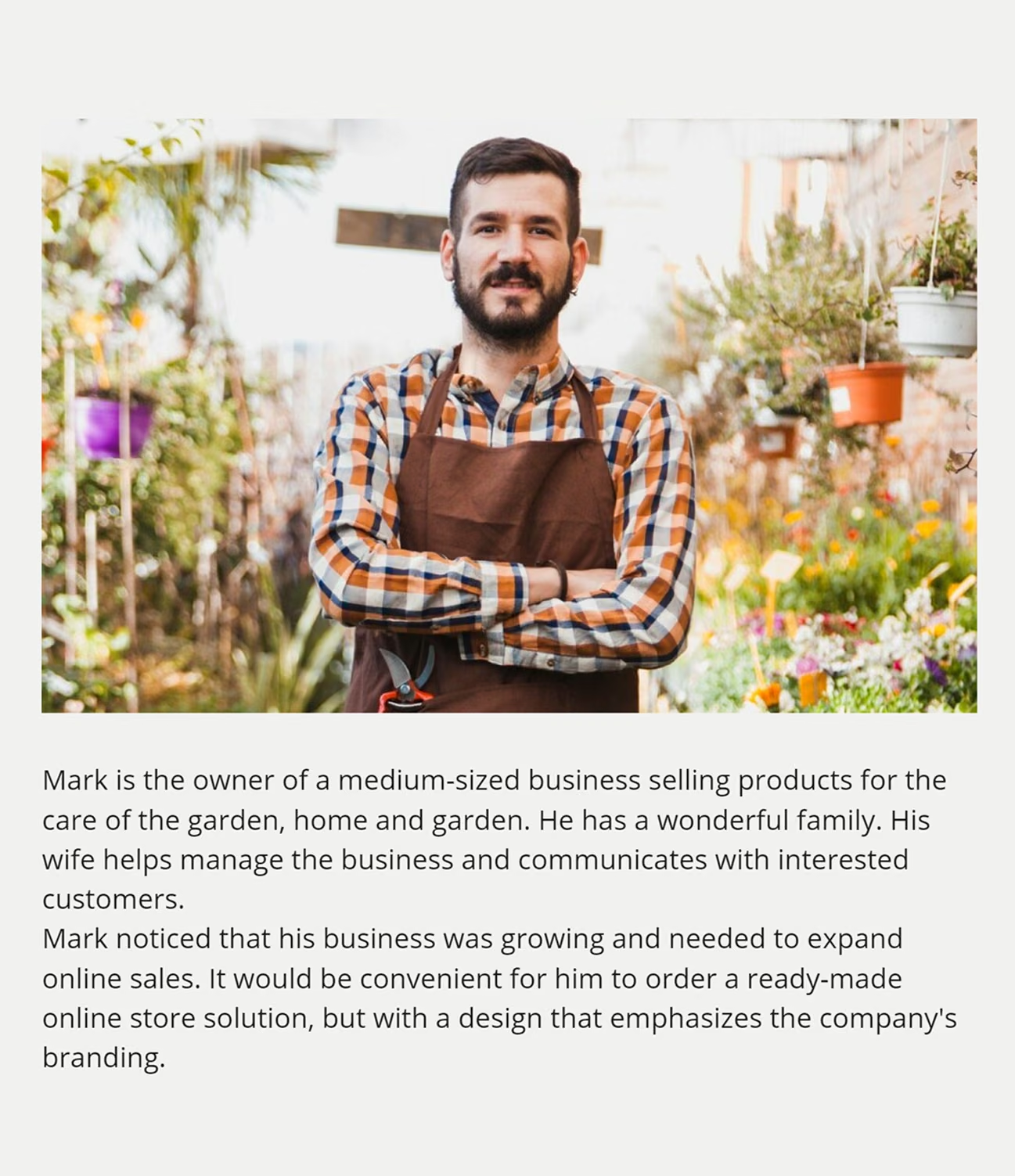
Interests
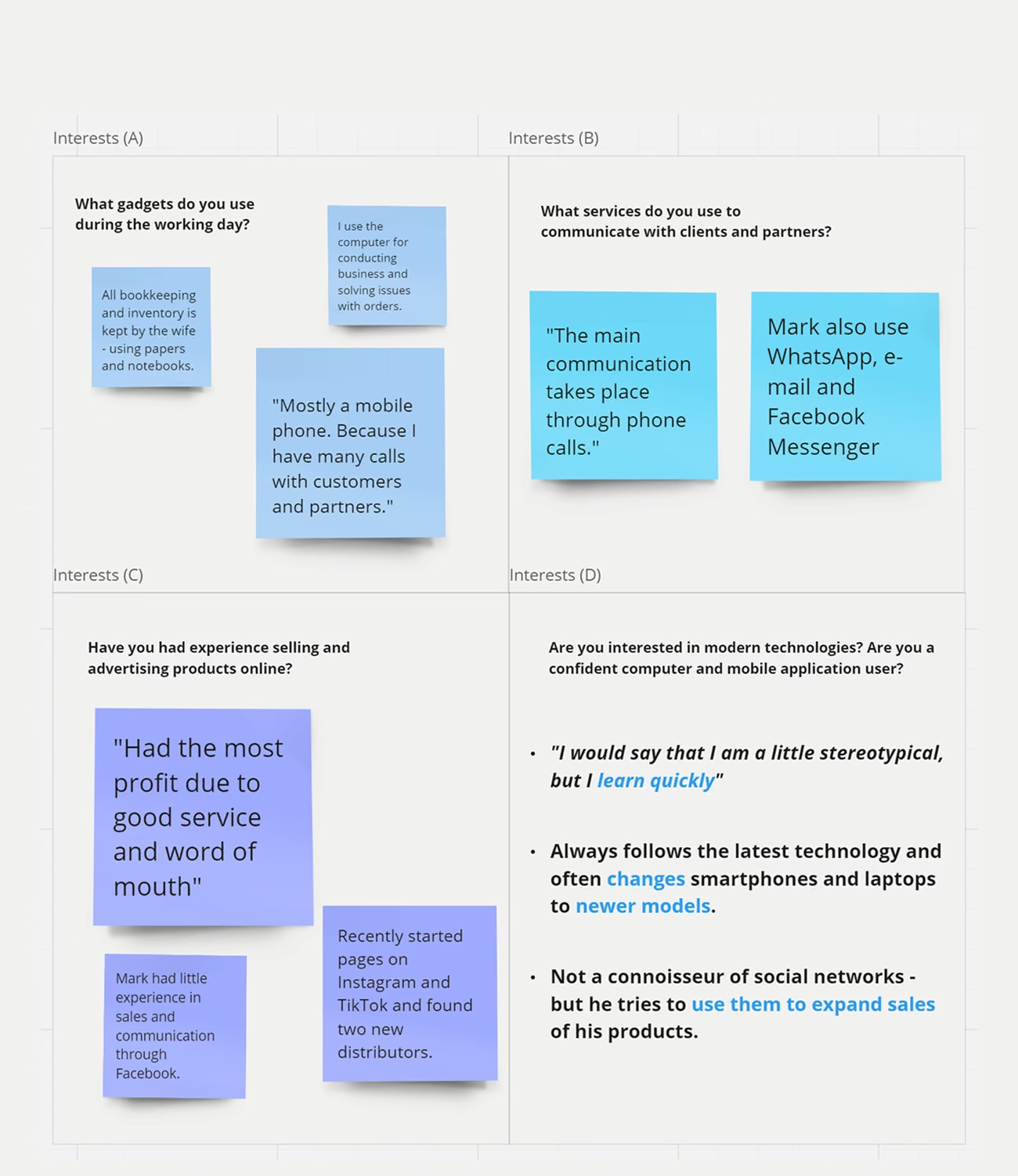
Reasons to order our product: Context / Problem
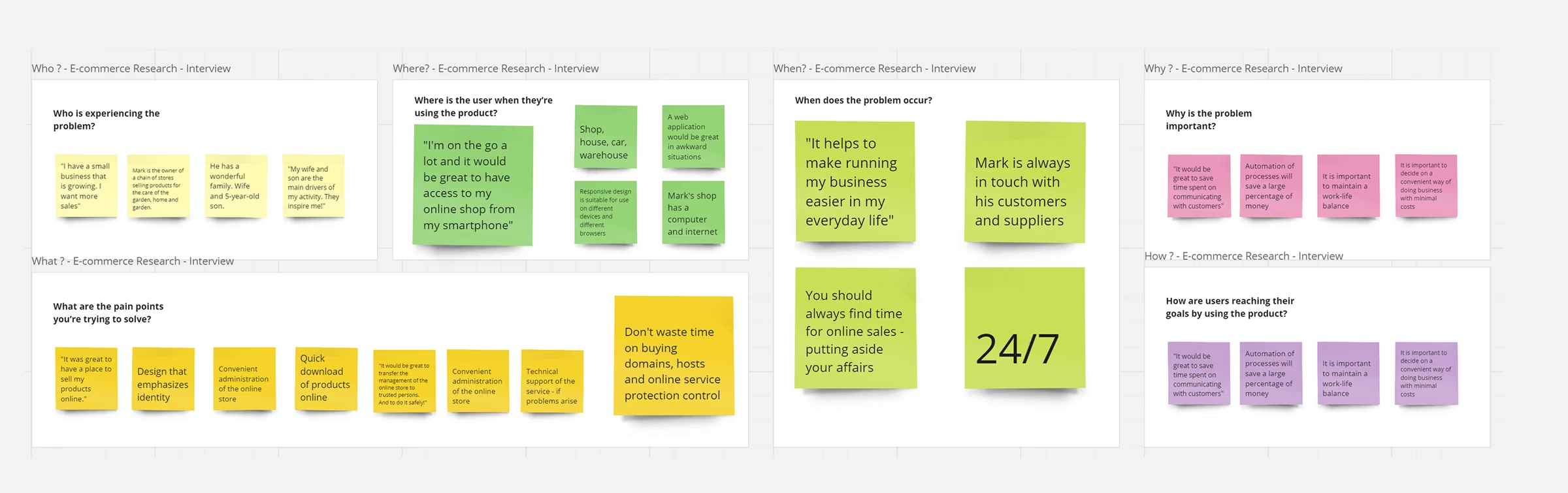
Research and Visualization
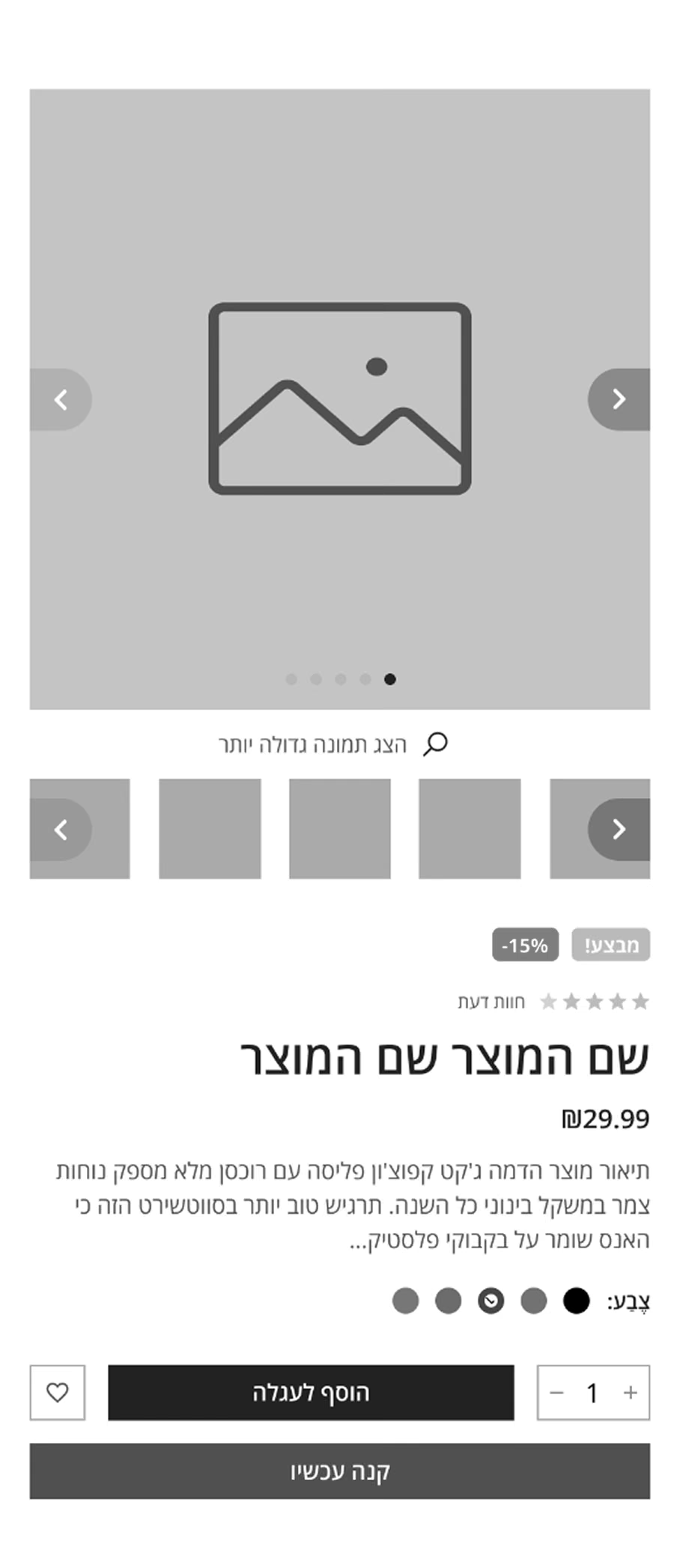
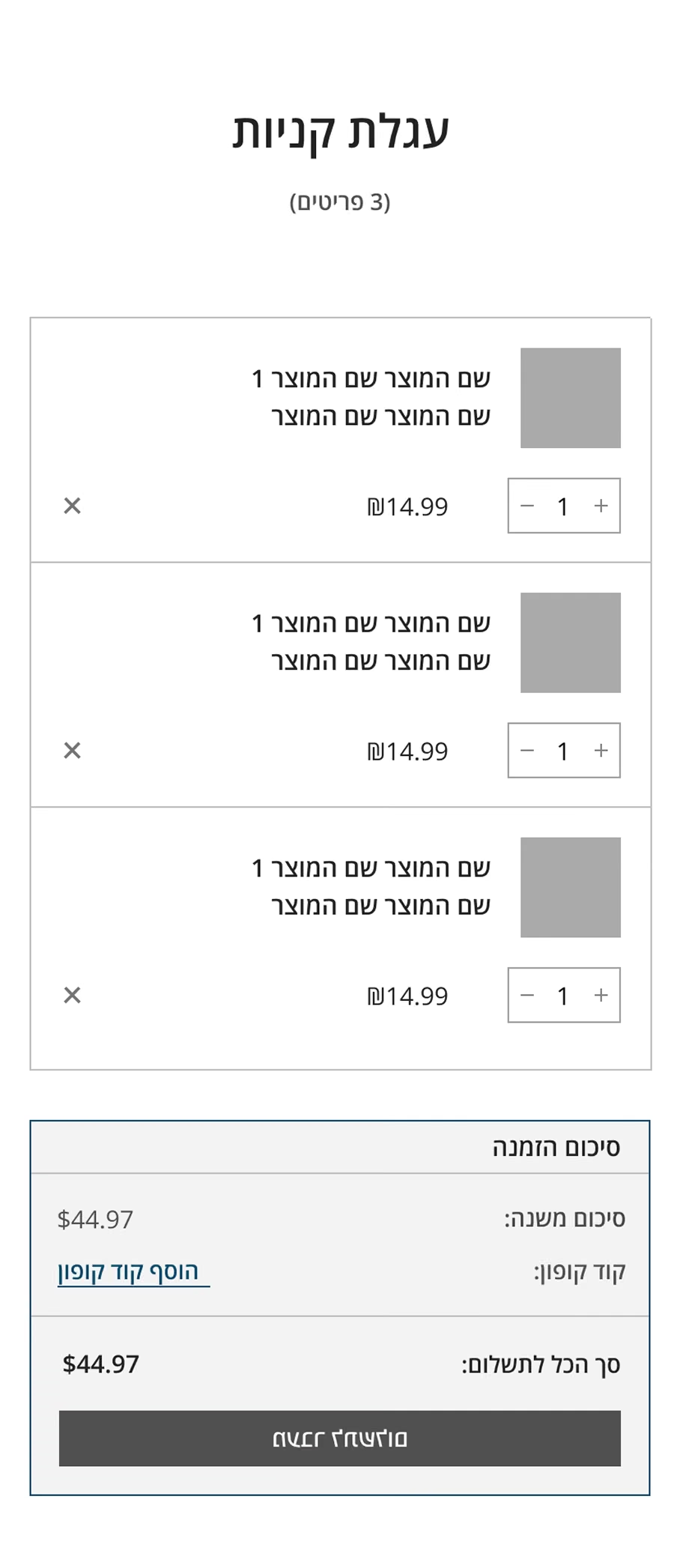
Even at the stage of researching competitors, daily meetings with the team and analyzing the structure of online stores, work was underway on building blocks (templates) for future screens.
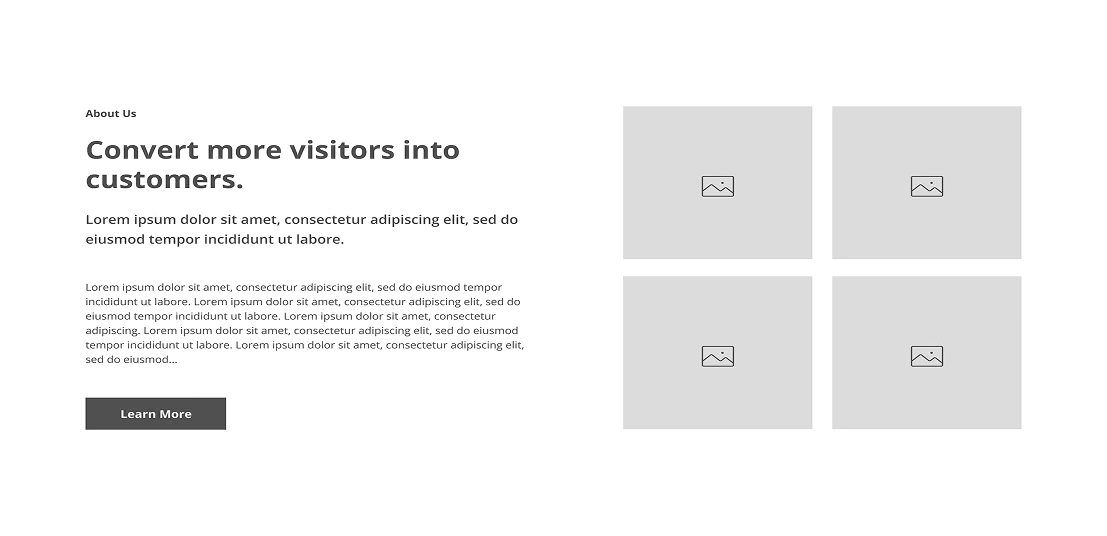
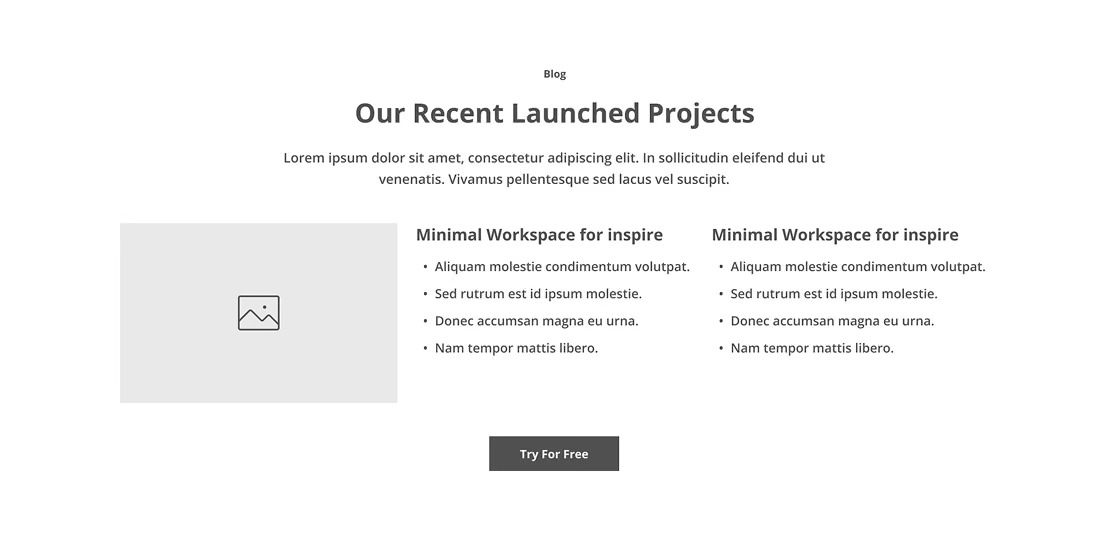
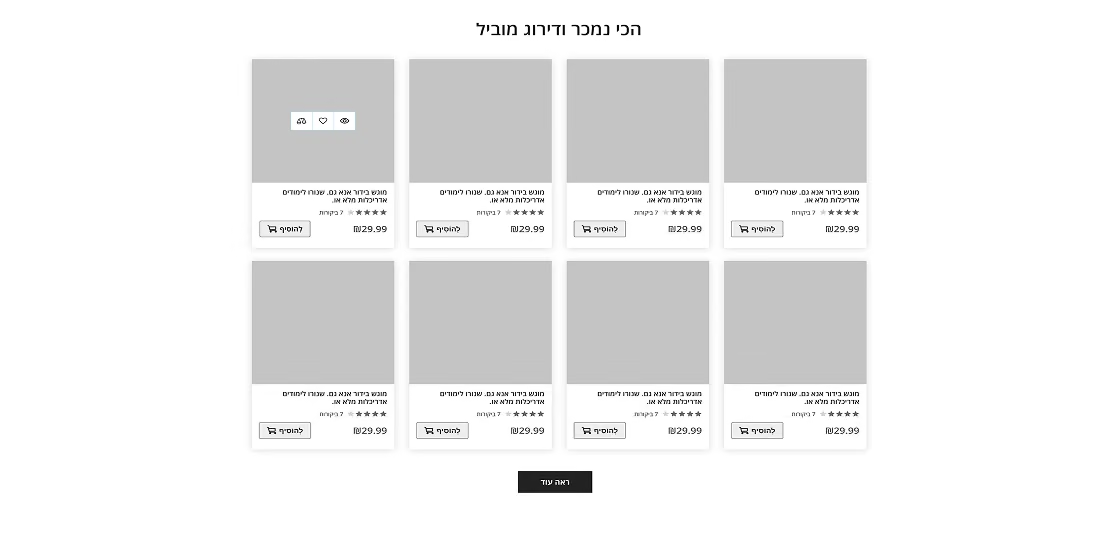
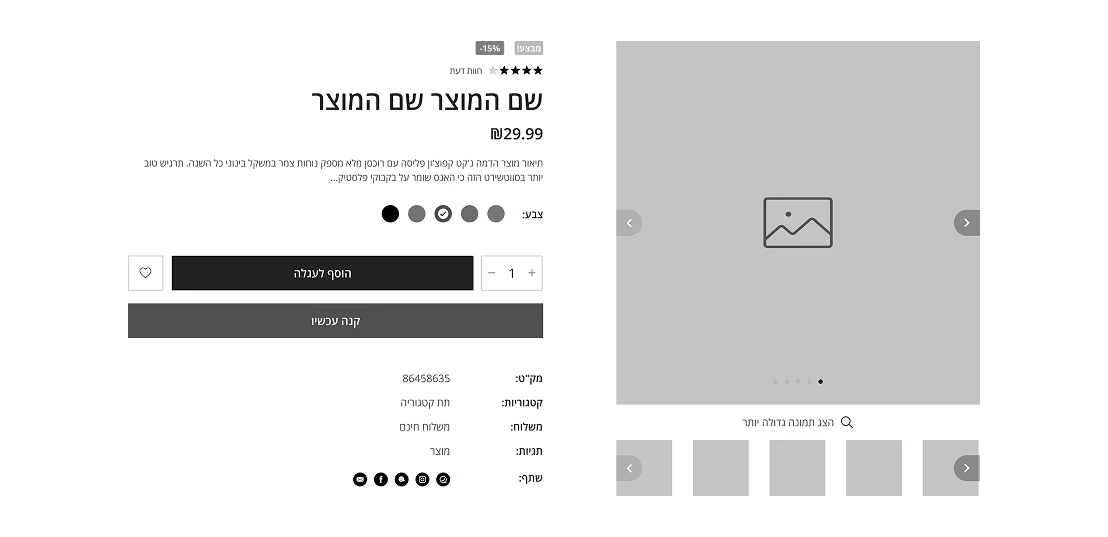
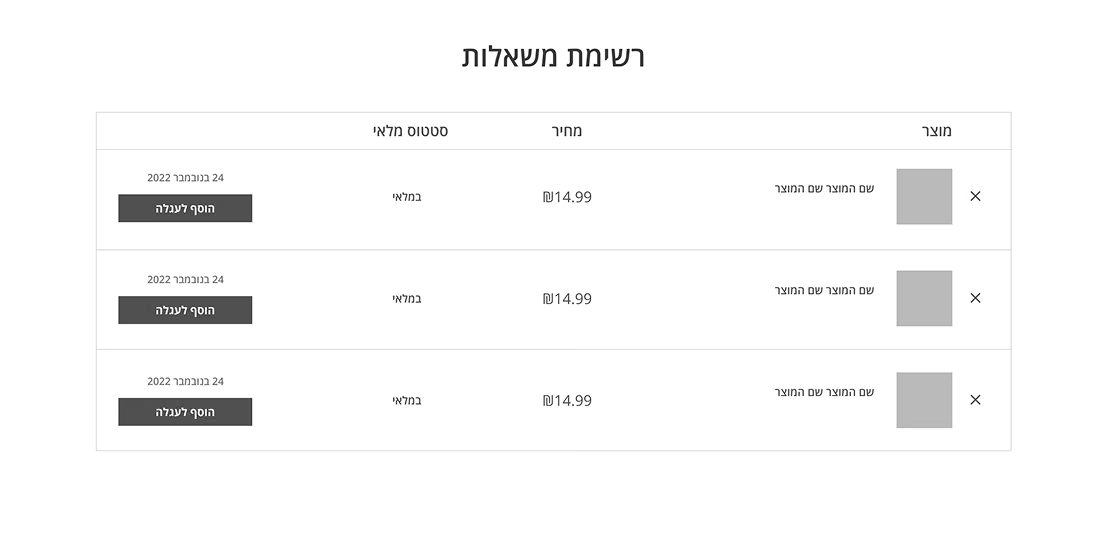
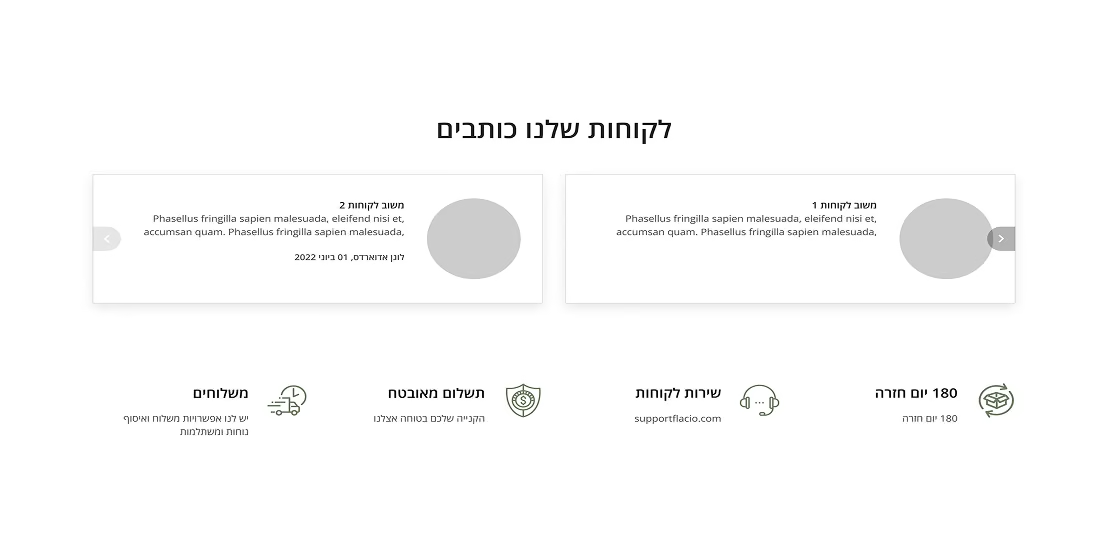
Responsive design screens were also developed in parallel - for the convenient work of developers. This saved a lot of time for the next steps of the project development.
Product launch
Super fast design steps
Management
Here there is an interaction between the client and the company manager. Elaboration of the technical task and transfer to the designers.
Visual Design
At this stage, the designer gets acquainted with the technical task and makes a visual design of the finished templates. Depending on the client's wishes, either super creative or strict and restrained design is made
Launching
Developers receive a design and connect it to ready-made code templates. Then there is a comparison of the design and the result of the front end. And finally the launch of the store and a happy customer.
eco-techno store





Colors
When the client approached our company, he already had a certain branding of his product. If his company did not have an identity, then we conducted a small survey and used his wishes in the selection of colors.
Typography
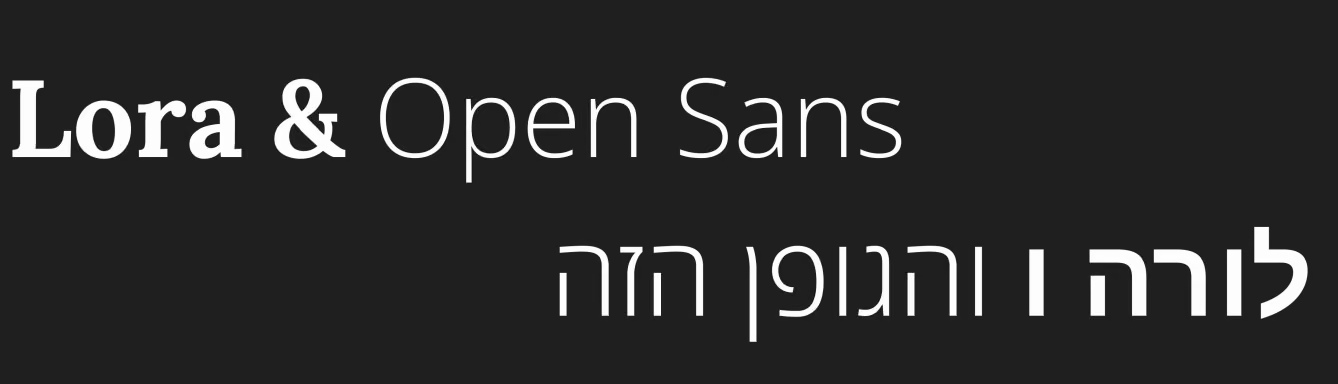
We mostly had clients from Israel, so we used Hebrew-friendly fonts. If the site was in English, then we used a font style that corresponds to the identity and branding of the client's company.
Visual design desktop
Visual design mobile
Launching
In this case, I will take as an example the visual design of one of the online stores made by me. I will also show the way to build blocks of pages after the competitor research stage, I will show work on different page layouts and the process of creating a responsive design.
Final thoughts
This E-commerce project transcends the mere design of an online store, it represents the creation of a comprehensive system encompassing components, templates, adaptives, and elements. The innovative approach facilitated the outsourcing company in efficiently handling a multitude of online store orders within remarkably short timelines. My dual role as User Experience Designer and Visual Designer played a pivotal part in this success.
Link to the website of the company in which I was able to implement this project: navoto.com.
Thank you!
Thank you for viewing! And I thank the Armed Forces of Ukraine for the opportunity to work!