Product Design Case
CRM System for IT Company
Overview
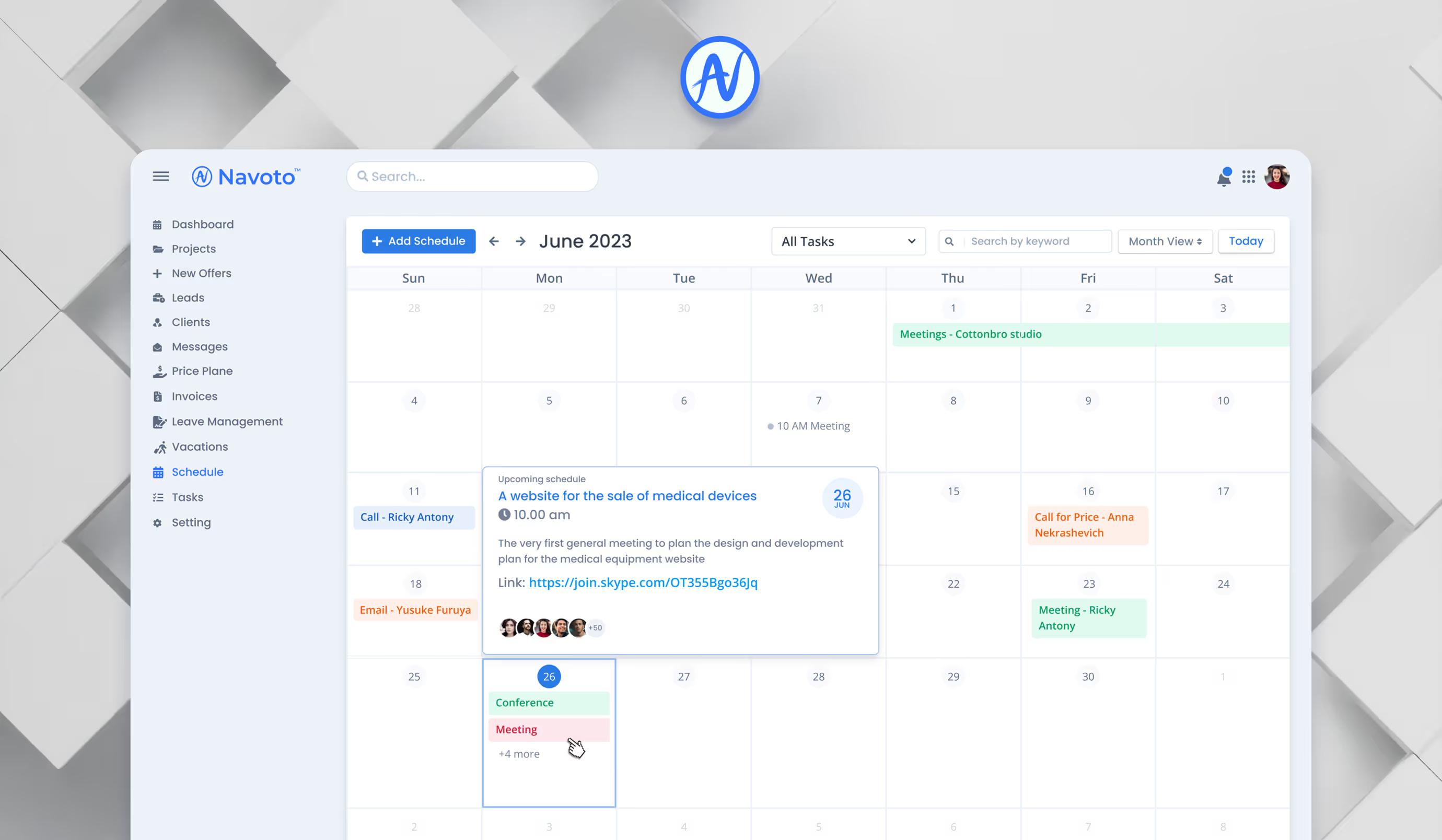
When Navoto.com, an IT company, adopted React and Bootstrap, I was given the task of designing a comprehensive CRM system to manage the company’s internal operations and enhance collaboration. The goal was to create a system that could provide detailed analytics, optimize workflows, and cater to different departments.
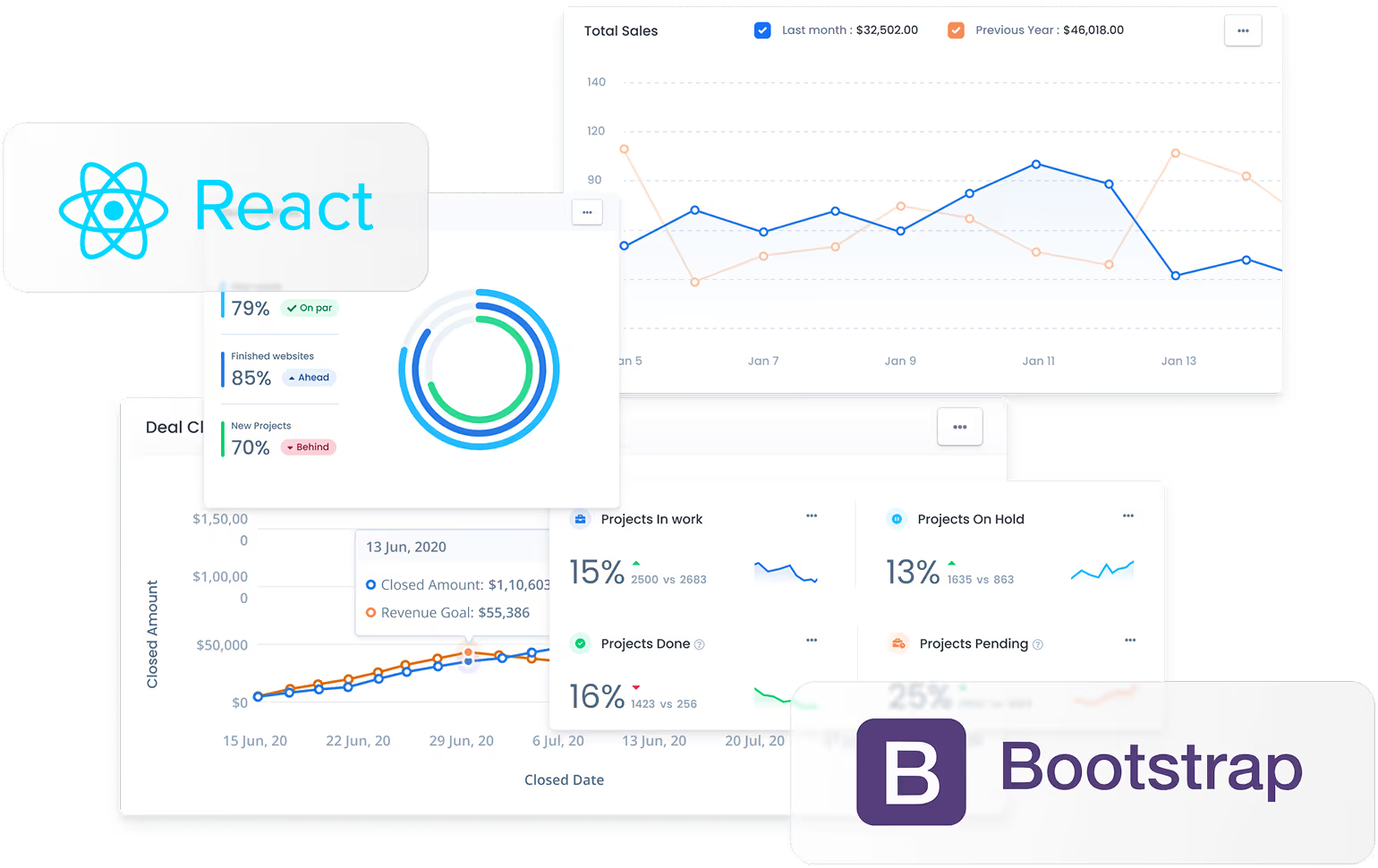
The existing CRM was outdated and inefficient, leading to issues in project tracking, client management, and communication. Through user research, competitive analysis, and iterative testing, I developed a scalable solution.
MY ROLE
Research, analysis, product design, Bootstrap specialist, user-testing.
the team
2 designers, 1 product manager, 5+ engineers.
TIMELINE
May 2023 — August 2023
problems with the Existing System
Limited Functionality
The previous CRM was too simplistic and failed to accommodate the needs of different departments.
Lack of Department-Specific Features
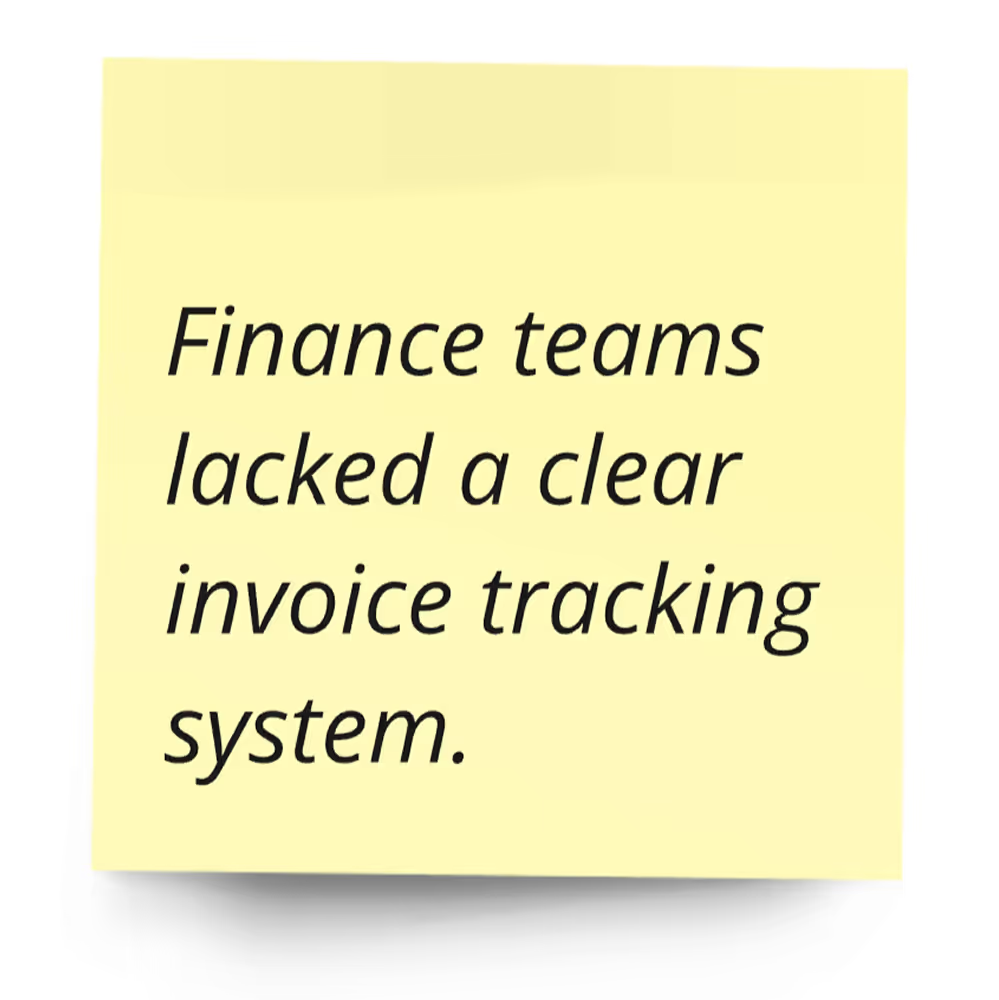
Employees struggled with project management, invoicing, and tracking due to missing functionality.
Inefficient Communication
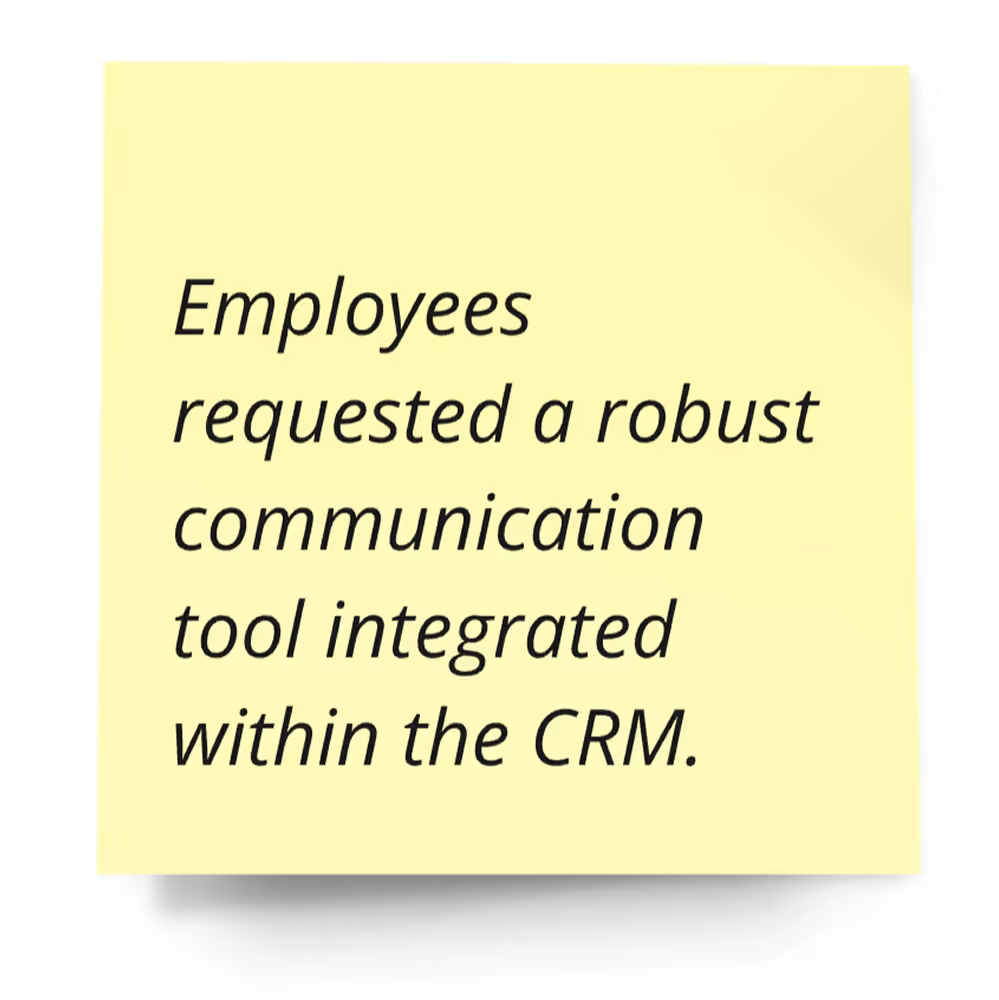
No centralized platform for real-time collaboration, chat, or notifications.
Outdated UI/UX
The interface was cluttered, making navigation difficult and reducing productivity.
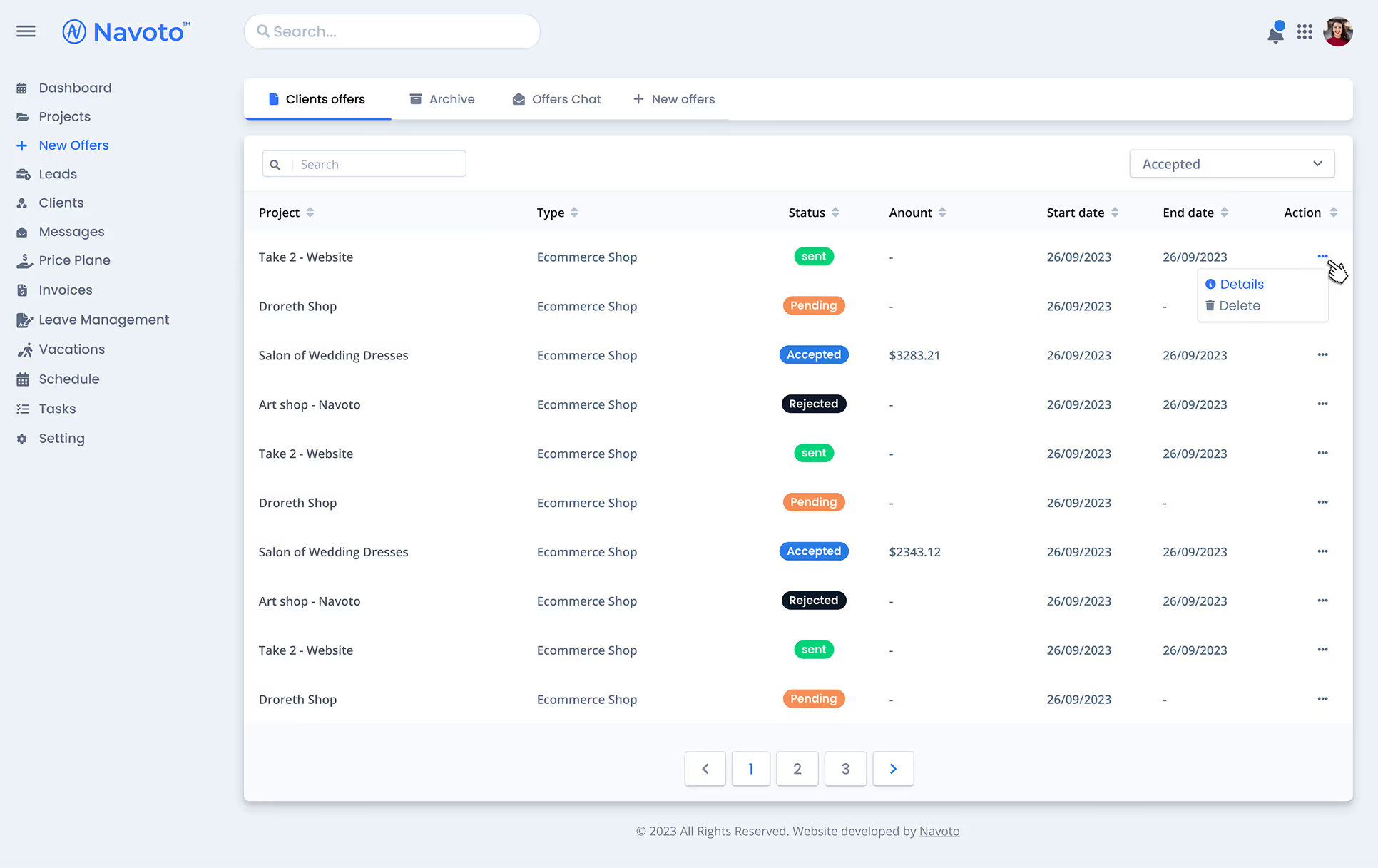
Screen showing a list of customers with offer statuses
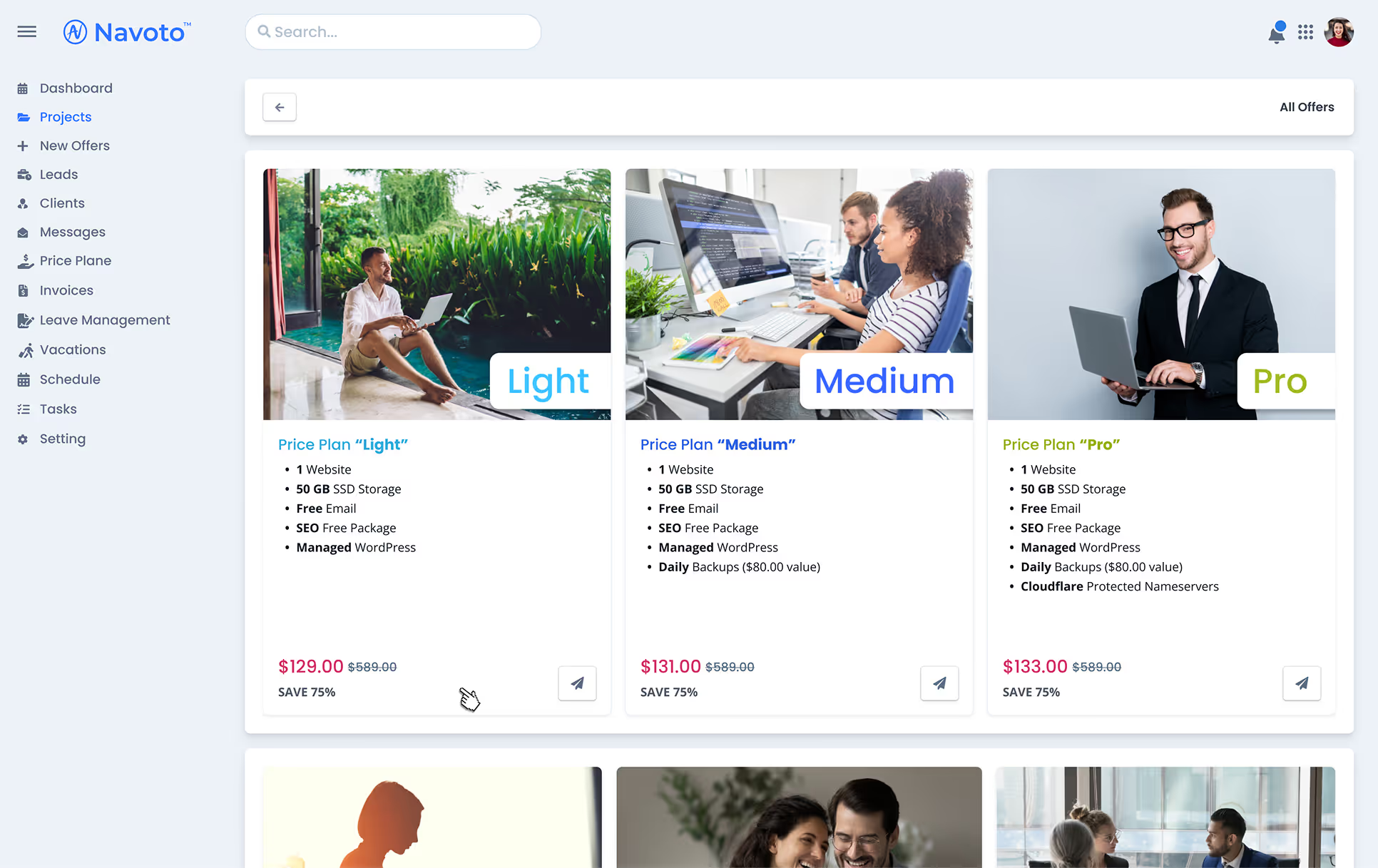
Ready-made standard offers for clients
Discovery & Research
User Interviews
To understand user pain points and expectations, I conducted interviews with team members across various departments, including project managers, developers, sales representatives, and finance teams. The key questions included:
What are the biggest challenges you face with the current CRM?
What functionalities would improve your workflow?
How do you currently manage projects, clients, and invoices?
What features would you like to see in a new CRM?
Key Findings
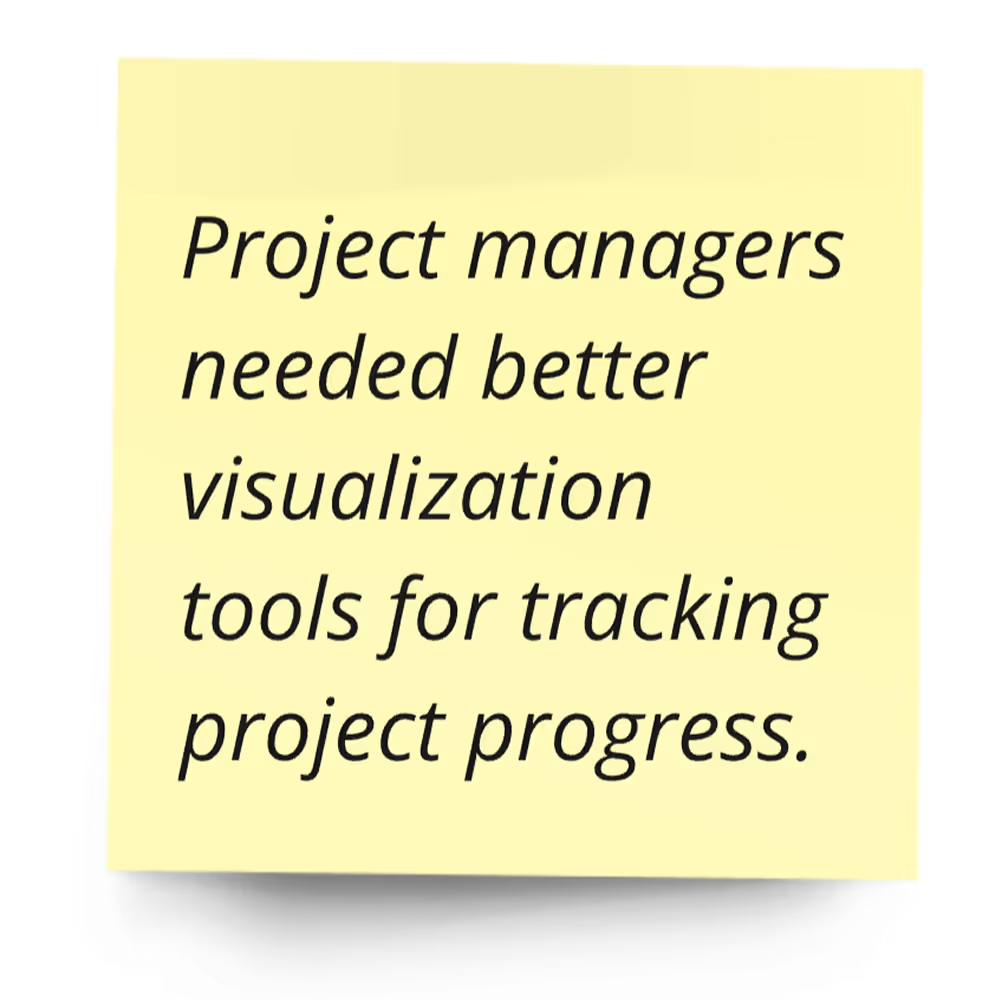
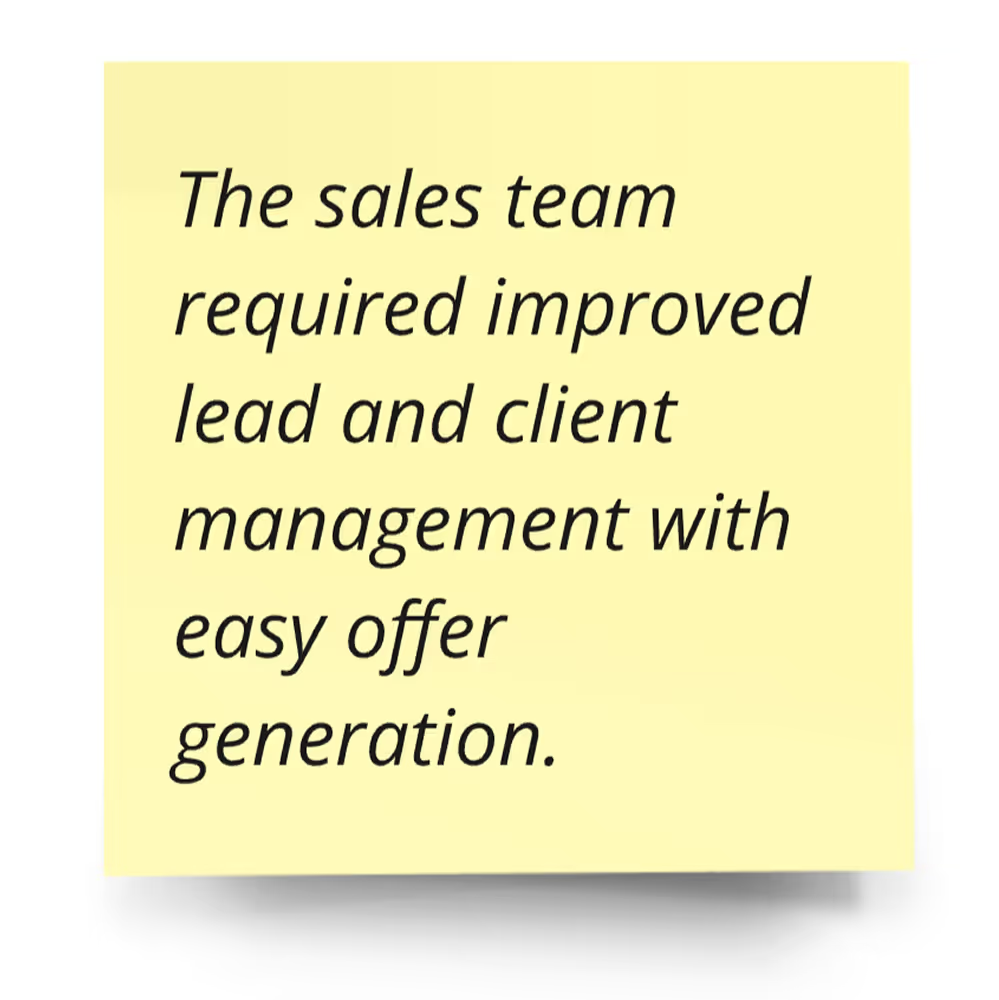
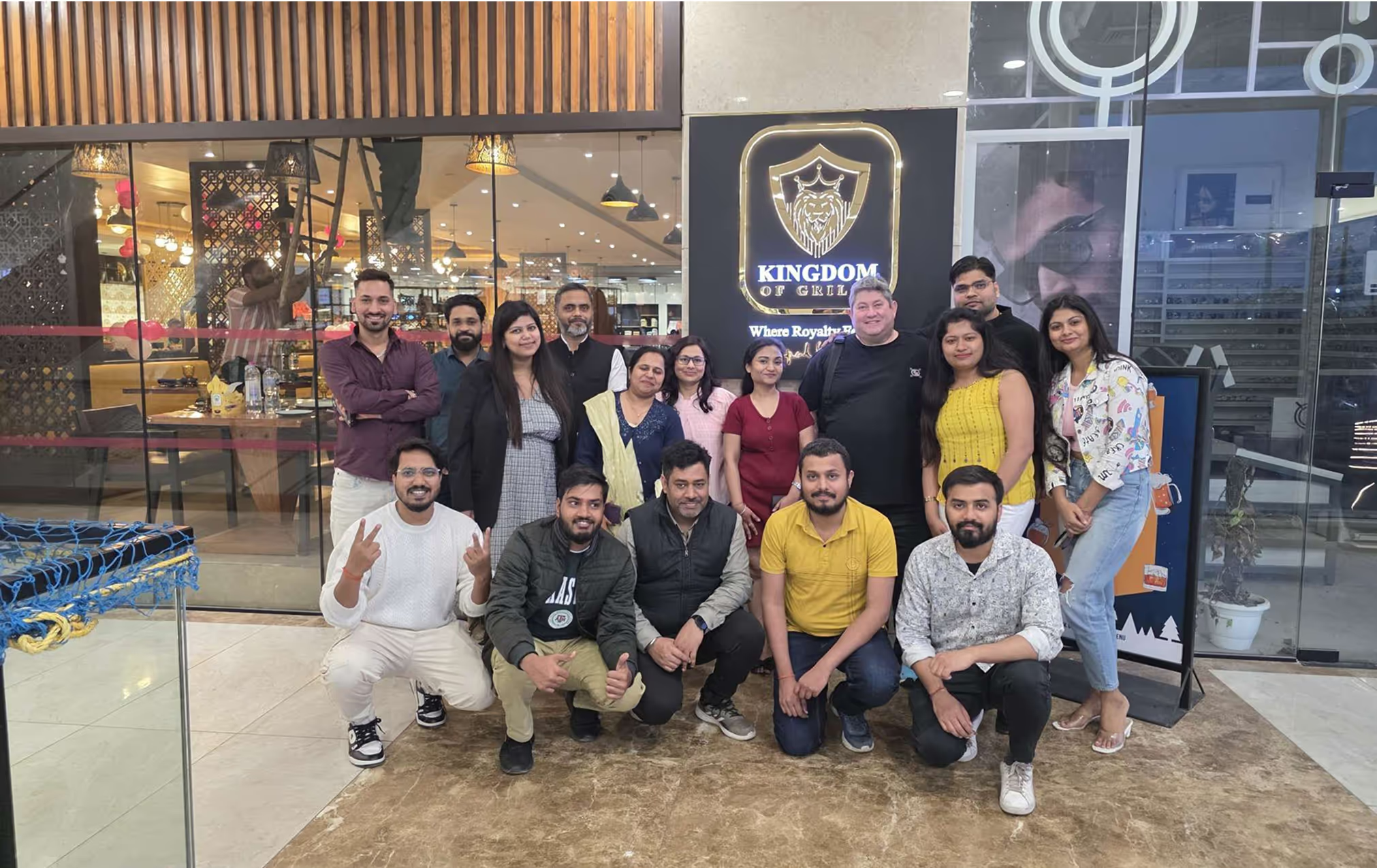
Offline meeting of the Navoto team in the Indian Department (2025)
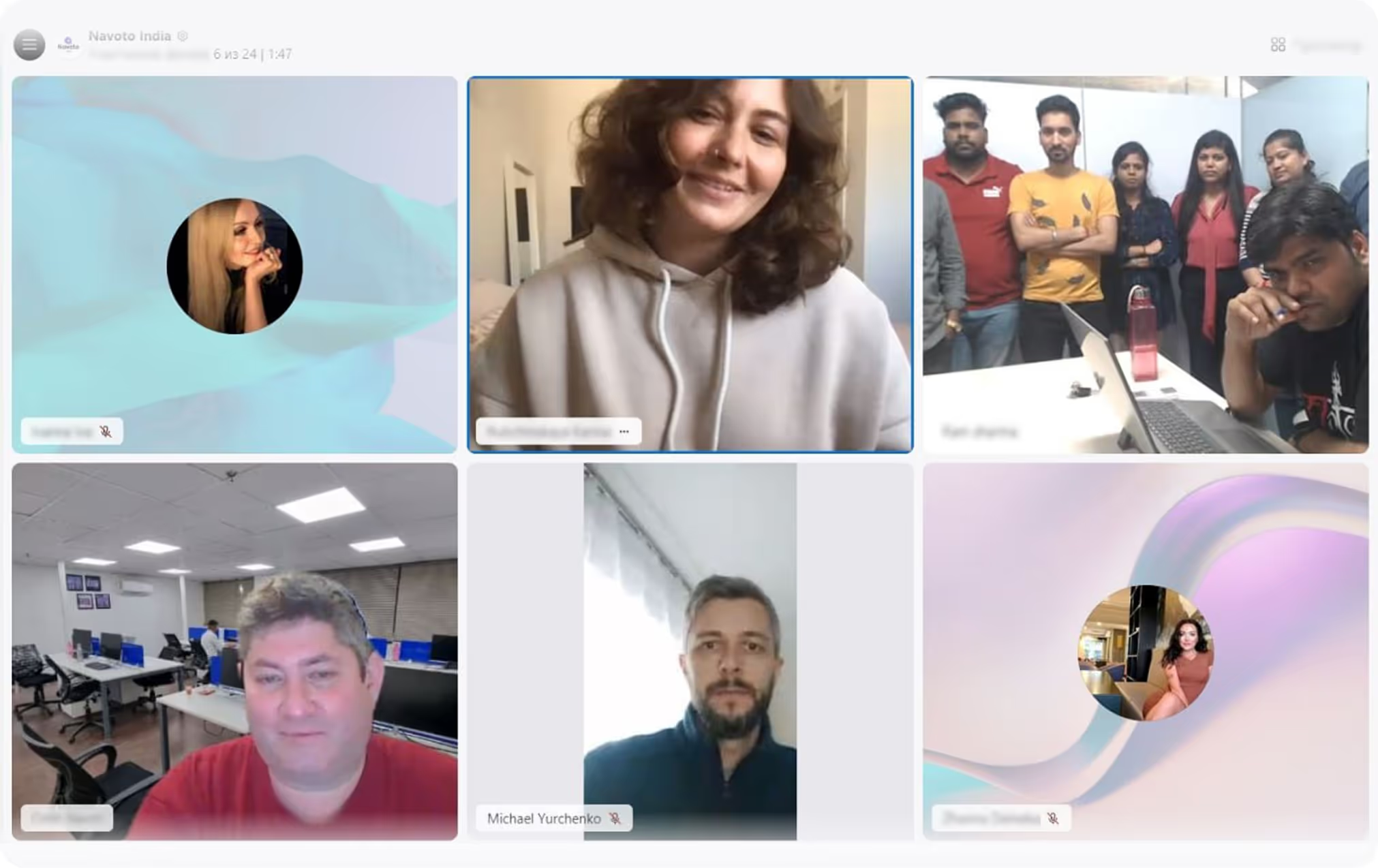
Working meetings at Navoto (2023)
Competitive Analysis
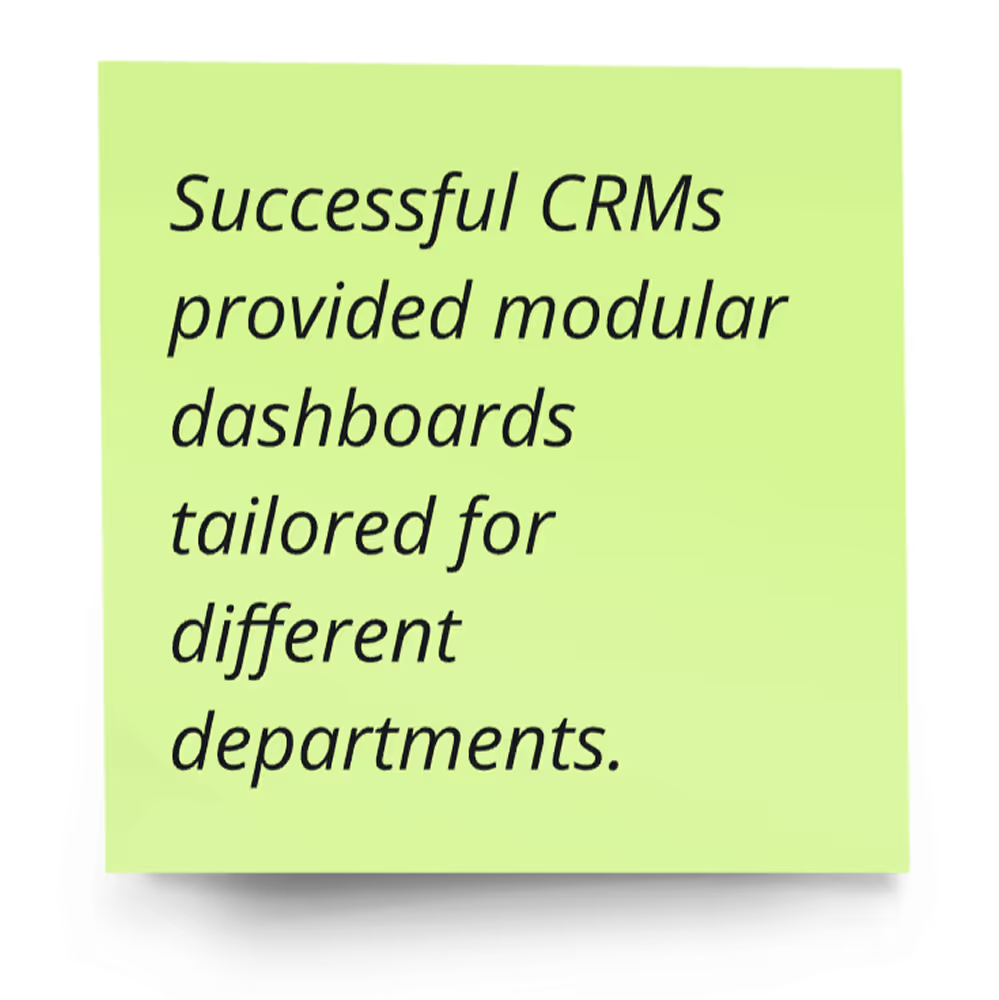
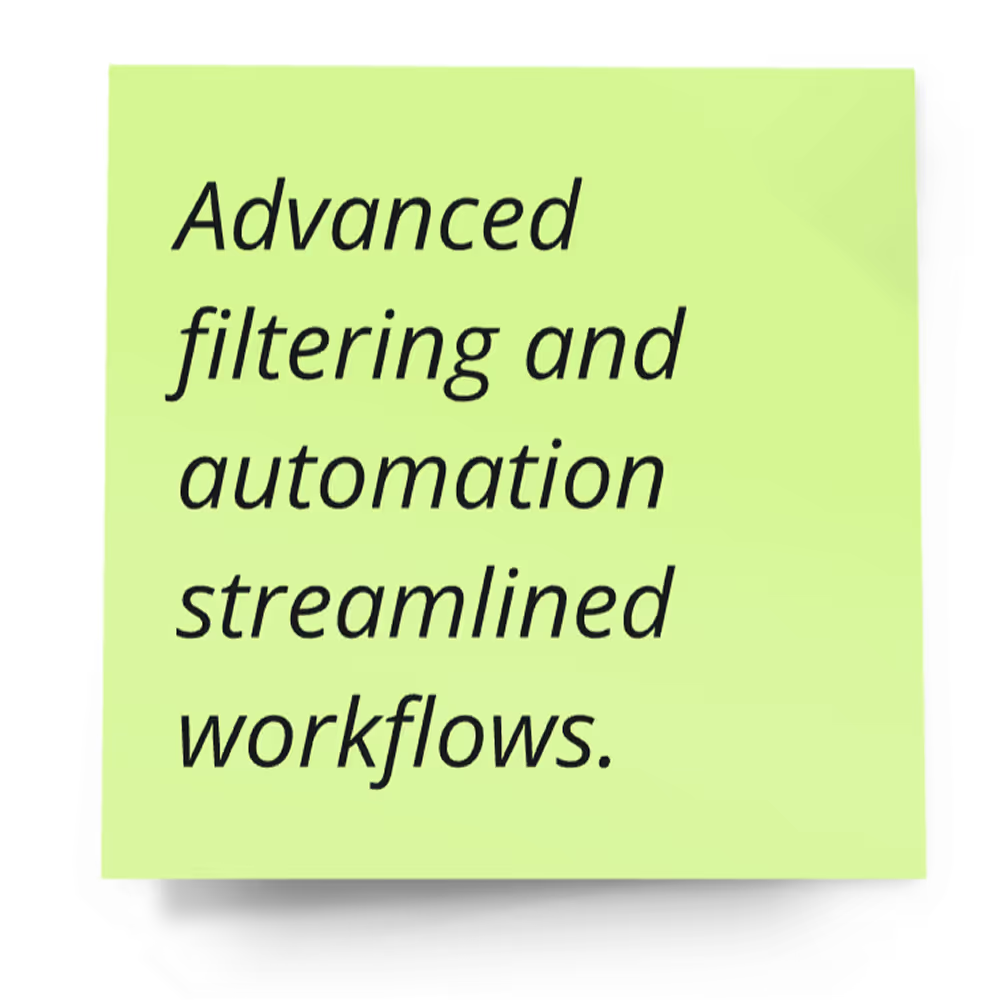
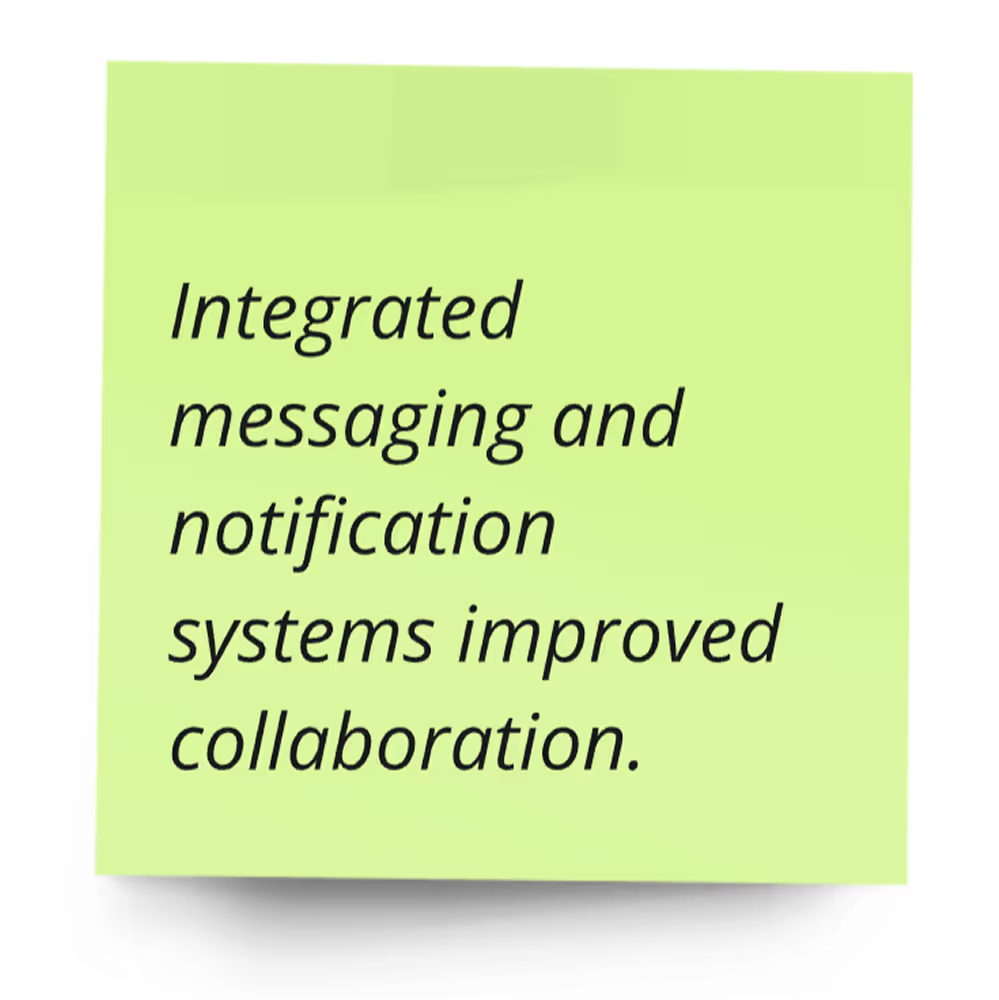
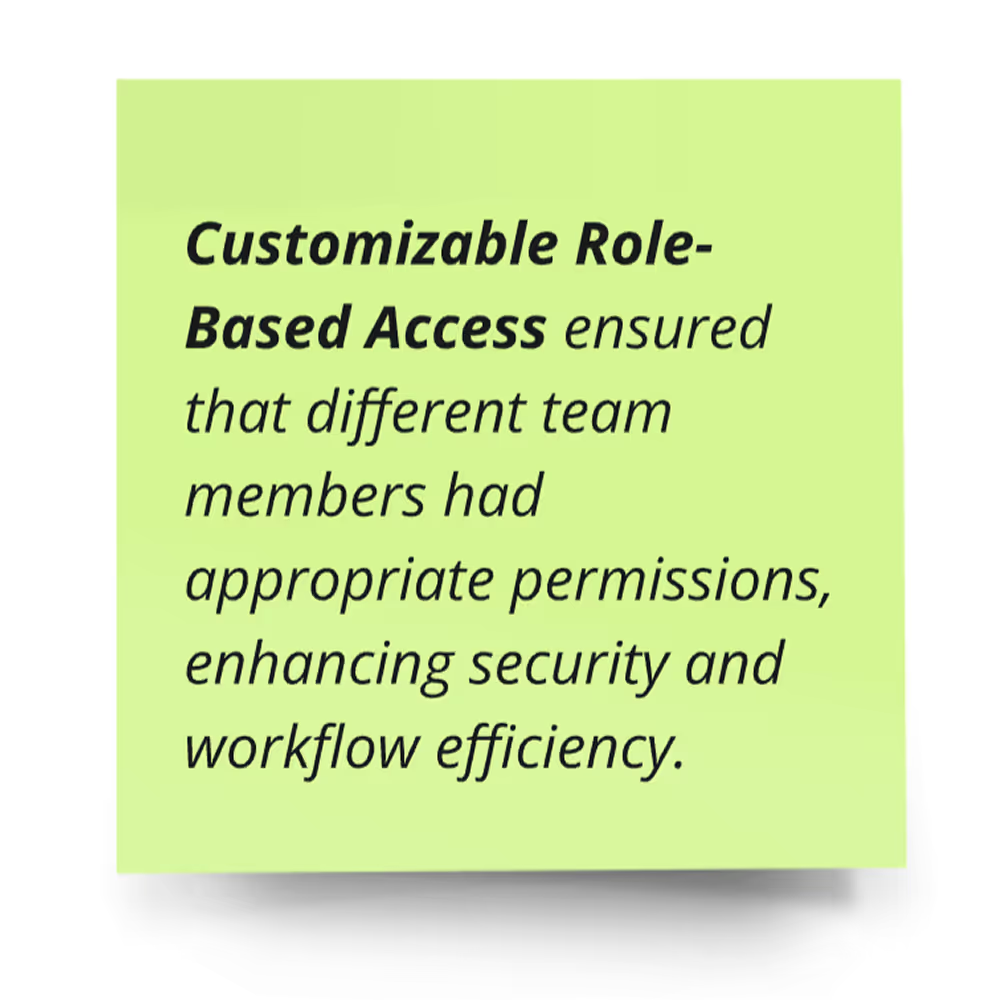
I analyzed leading CRM solutions, such as HubSpot, Zoho CRM, and Salesforce, to identify best practices and gaps in existing systems.
Key Findings
Design Process
Information Architecture & Wireframing
Using the research findings, I developed an intuitive information architecture and created low-fidelity wireframes to visualize the user journey.
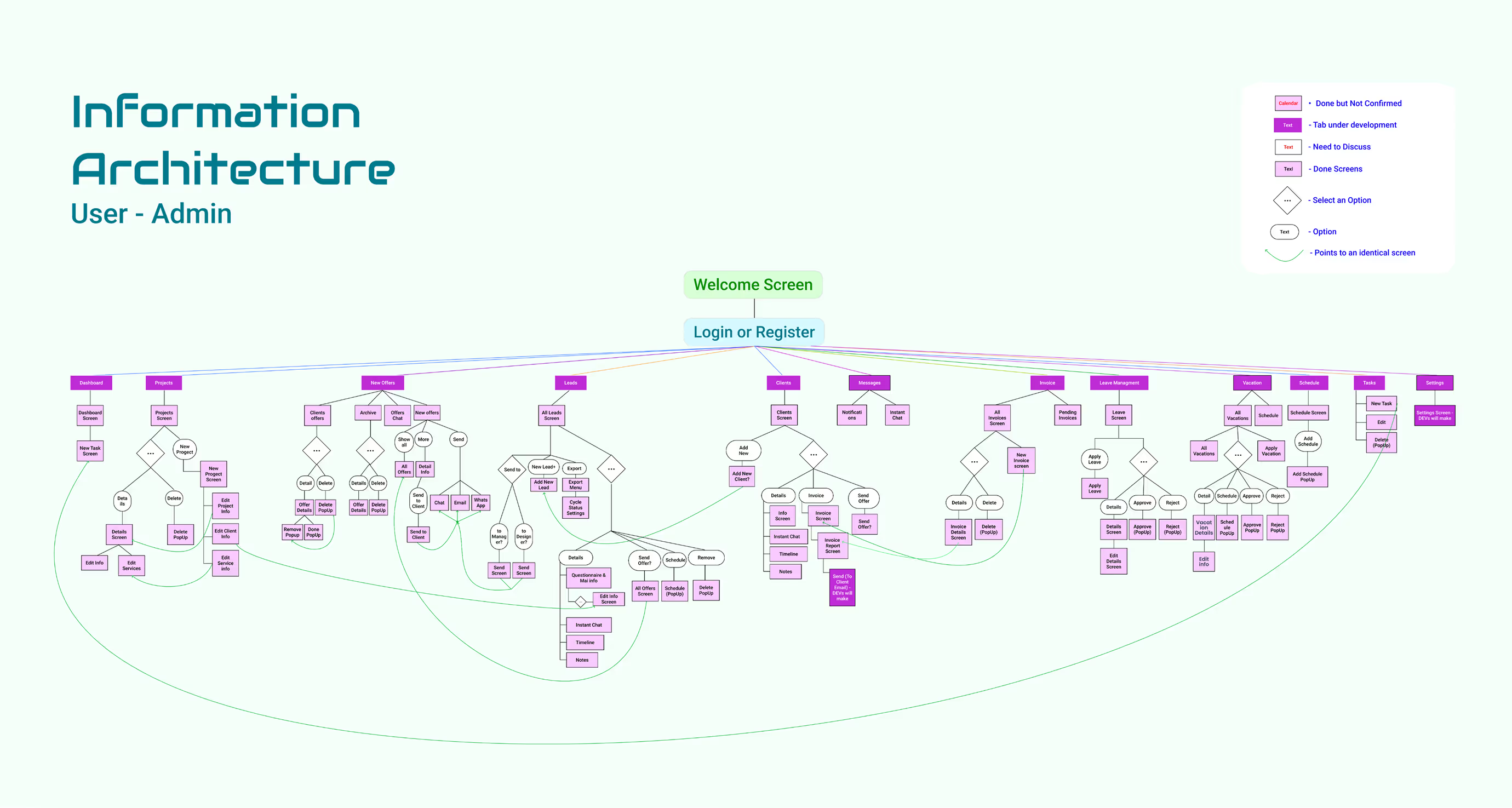
An information architecture diagram that expanded as the project grew.
Main Modules Designed
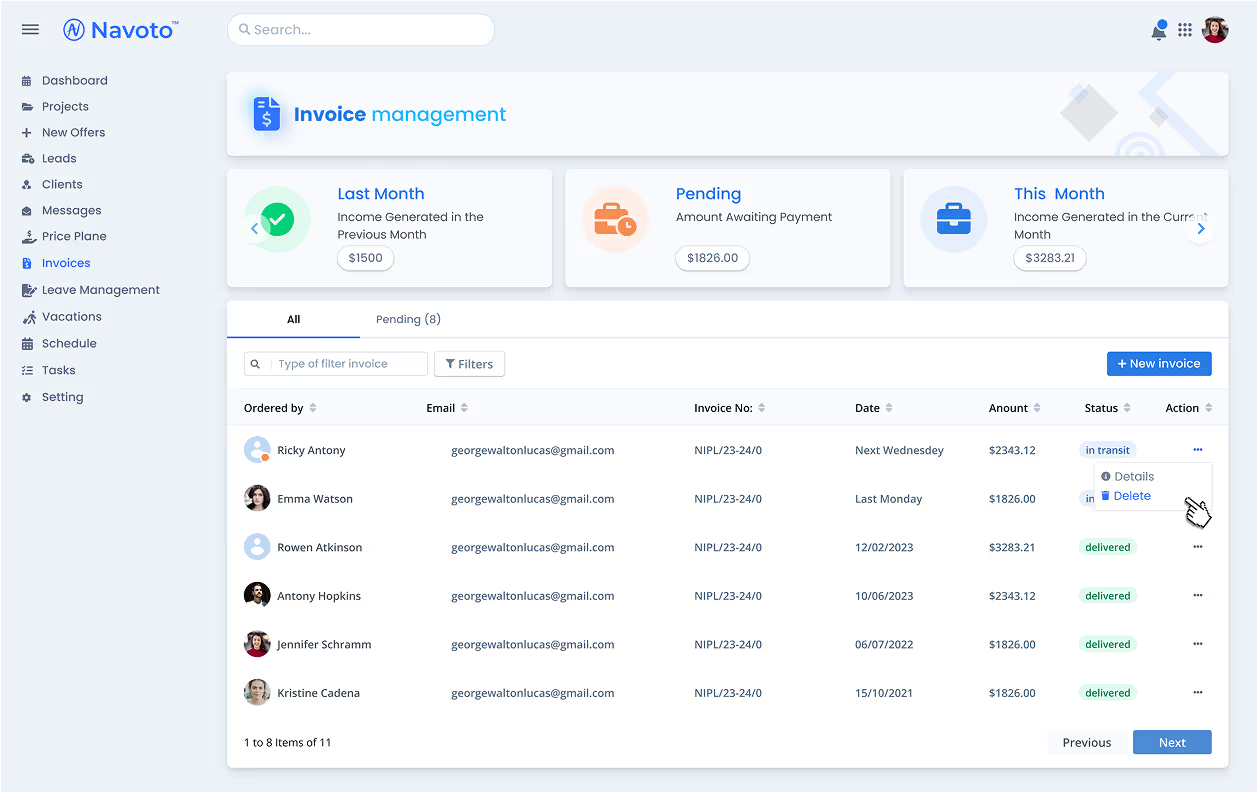
Invoices: Real-time financial tracking with pending and completed invoice views.
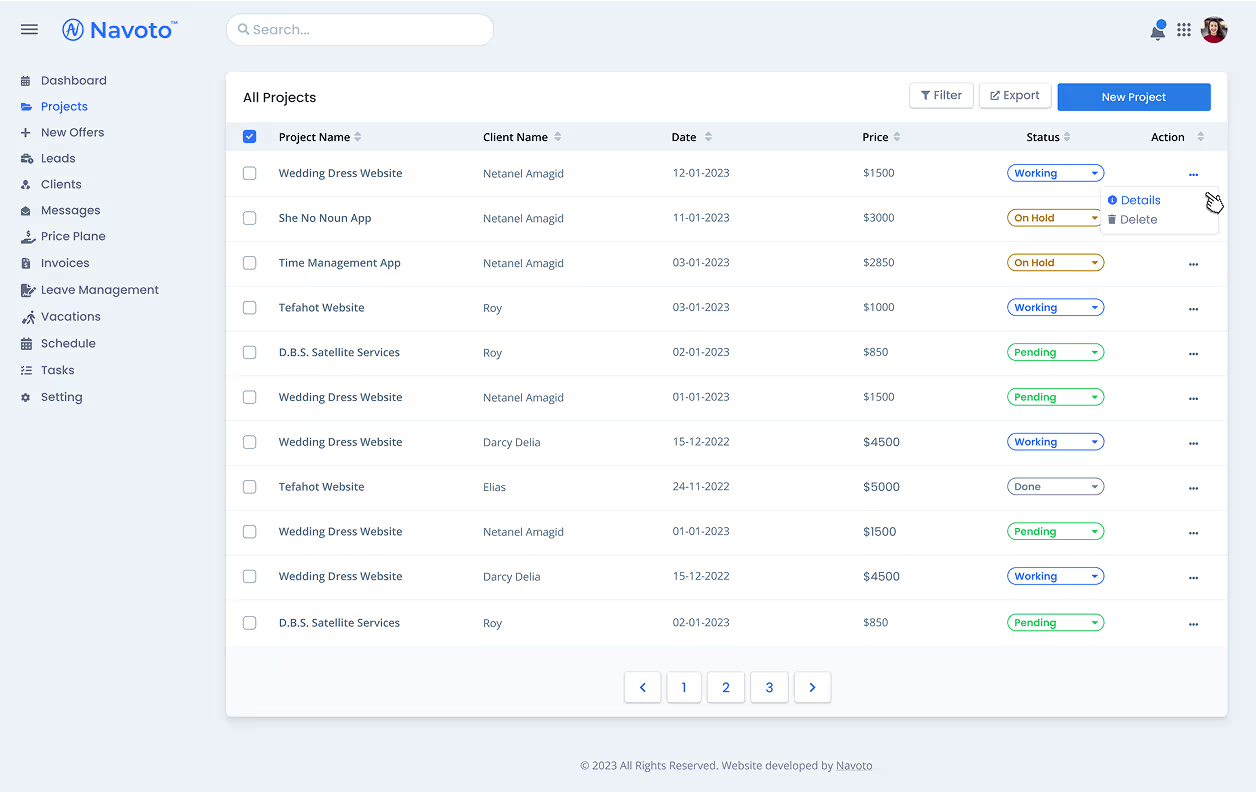
Projects (Admin): Project tracking with filtering, exports, and detail views.
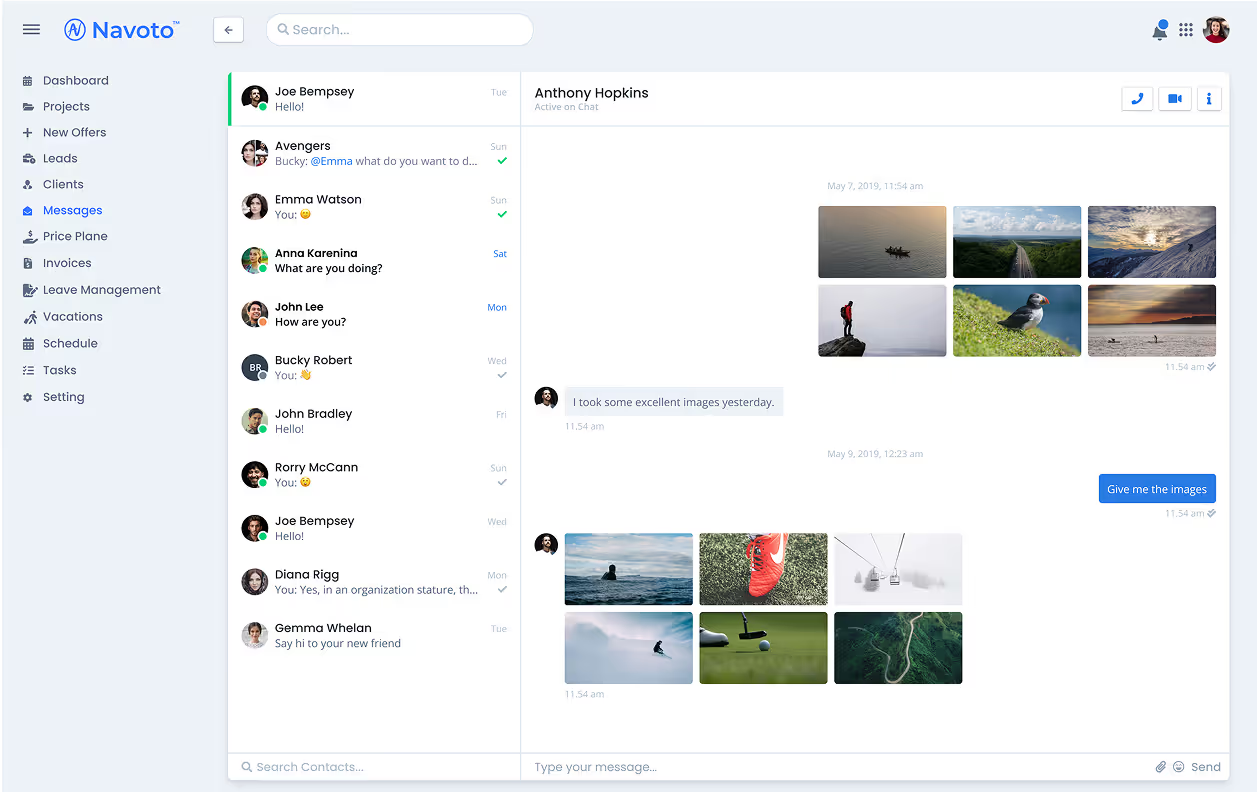
Messaging: Notifications and instant chat for team communication.
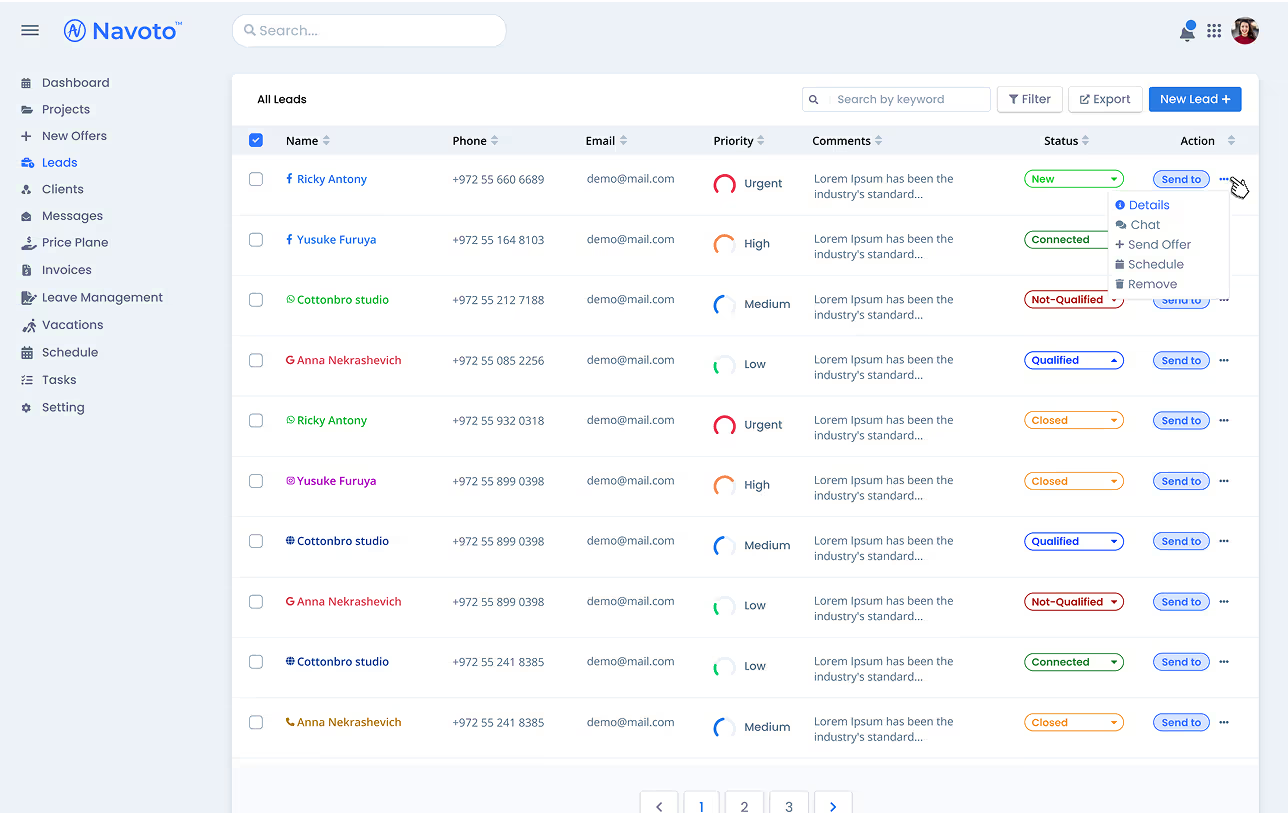
Leads & Clients: Structured lead and client management with streamlined offer generation.
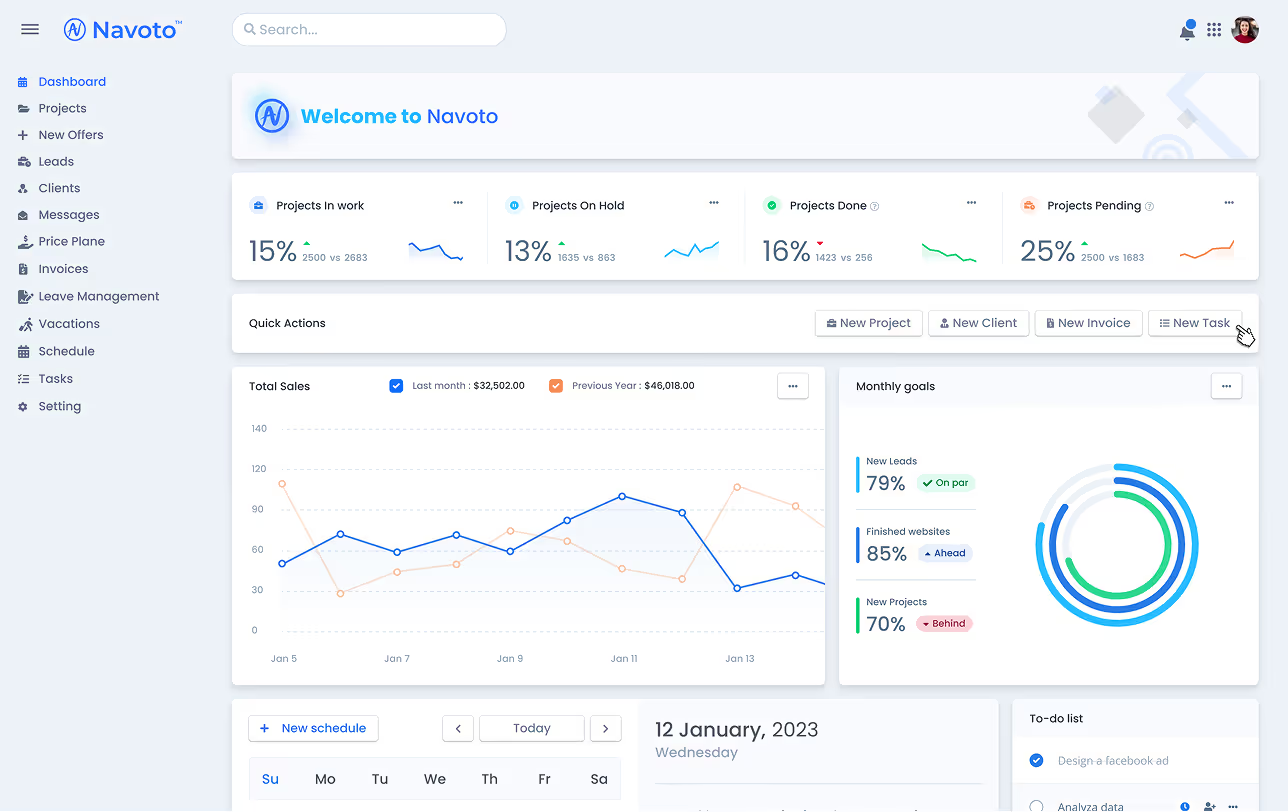
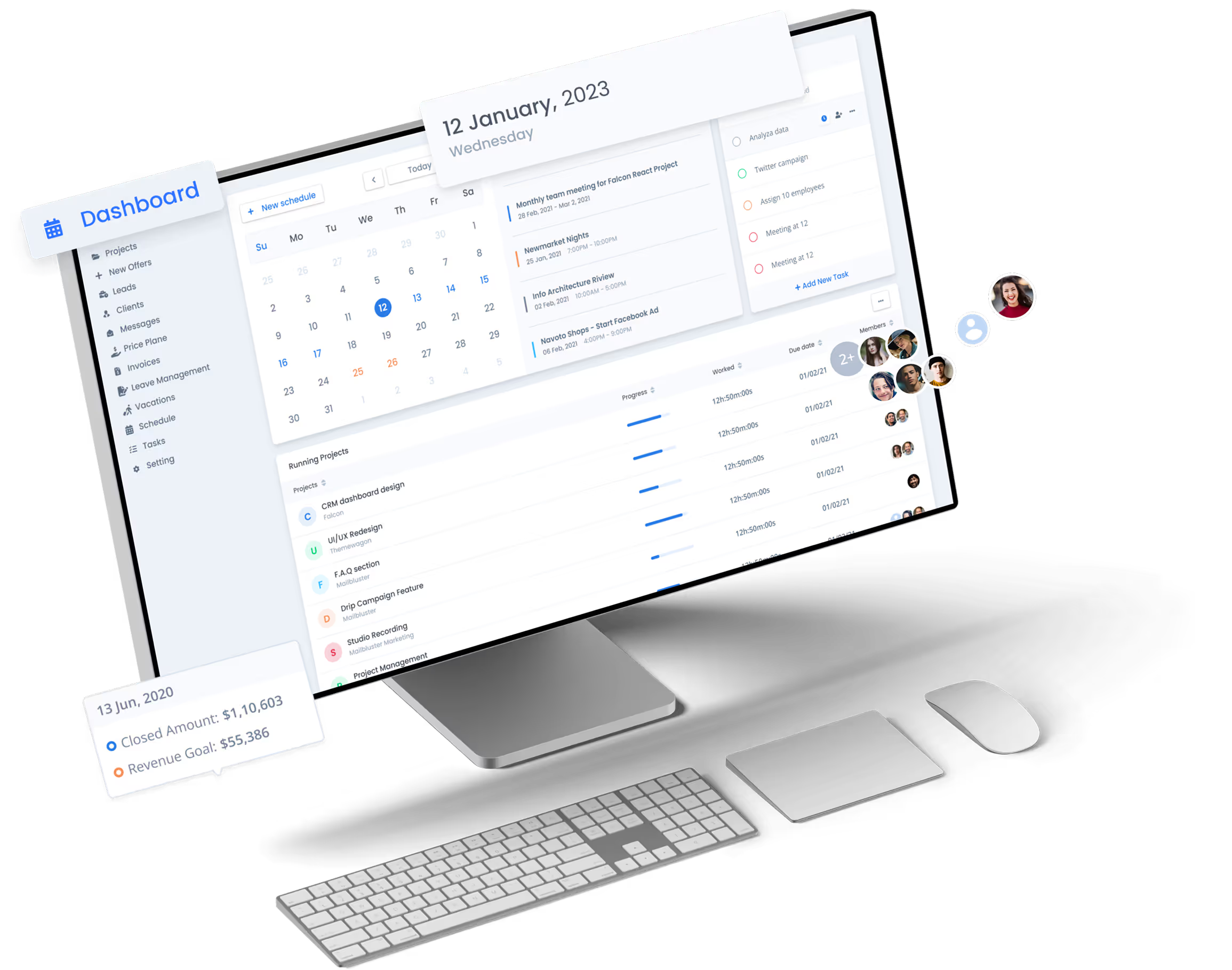
Dashboard: Centralized analytics and key performance indicators.
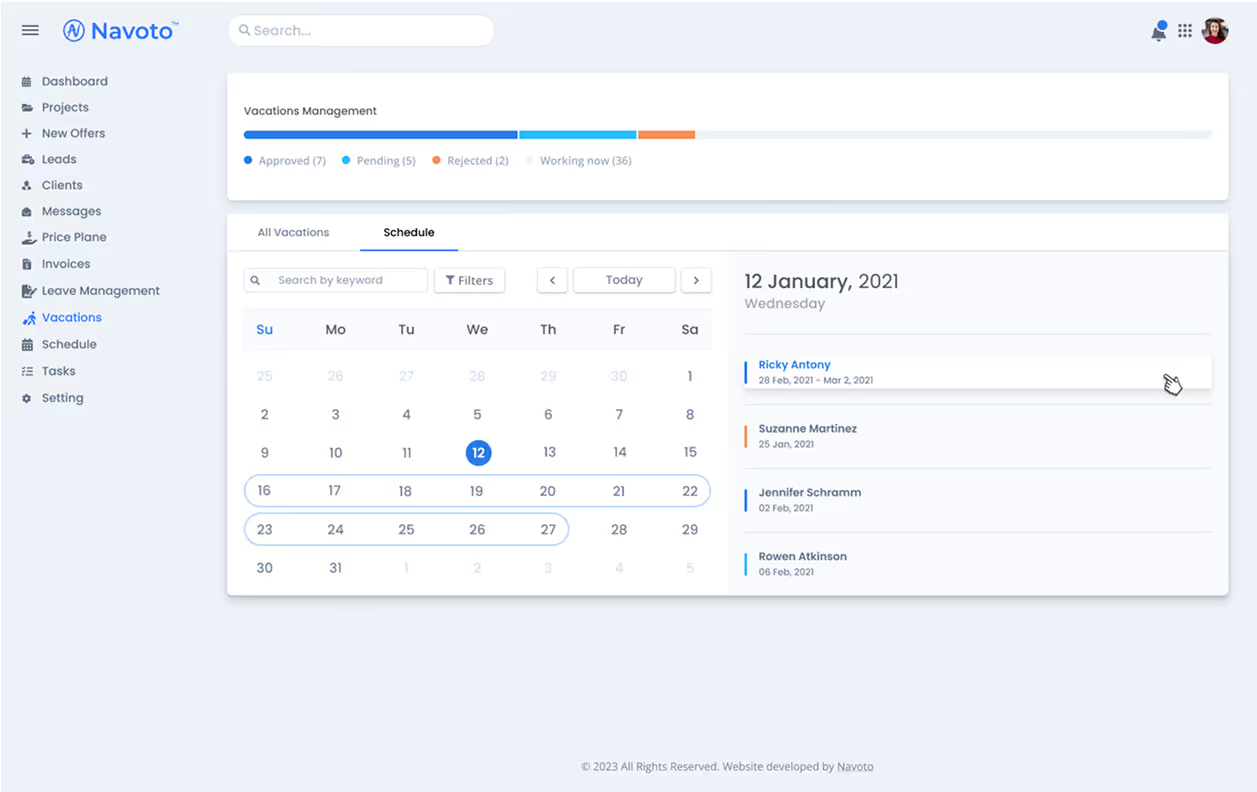
Leave & Vacation Management: A structured way to manage employee absences.
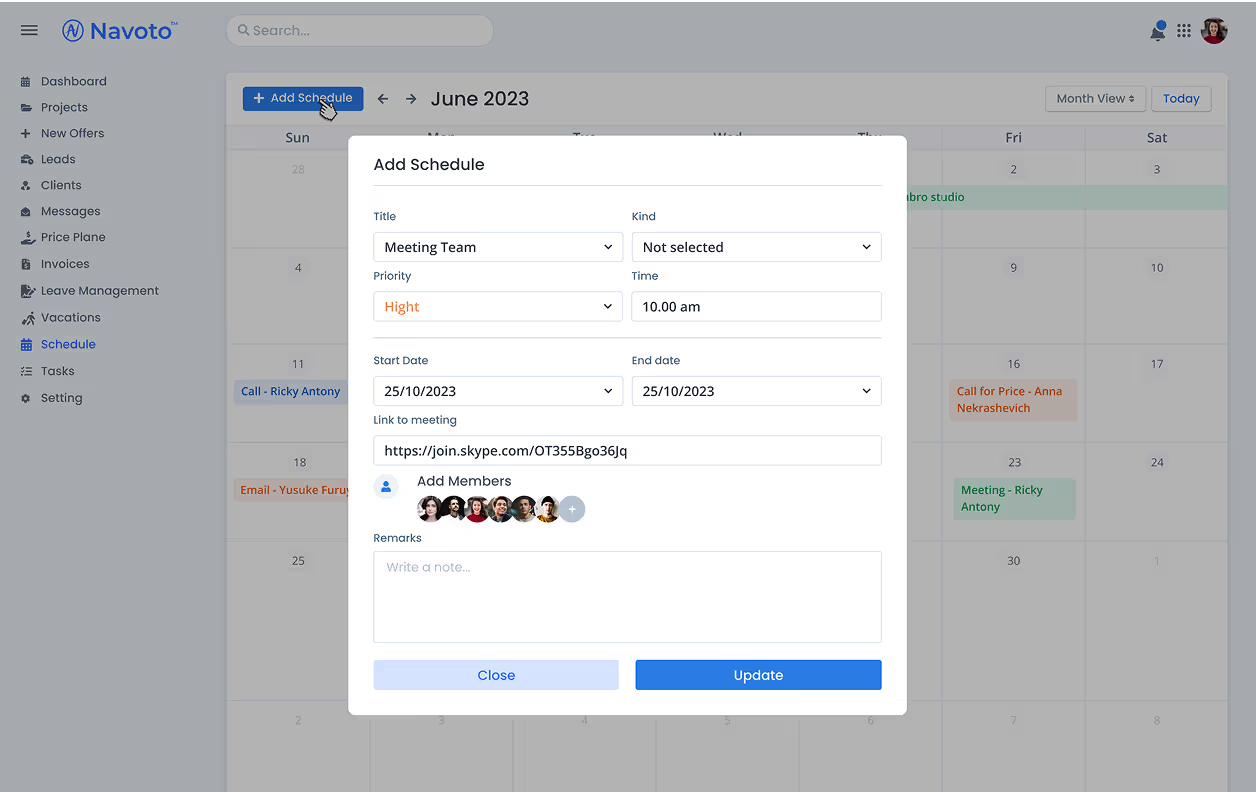
Schedule & Task List: A full-screen calendar with task management capabilities.
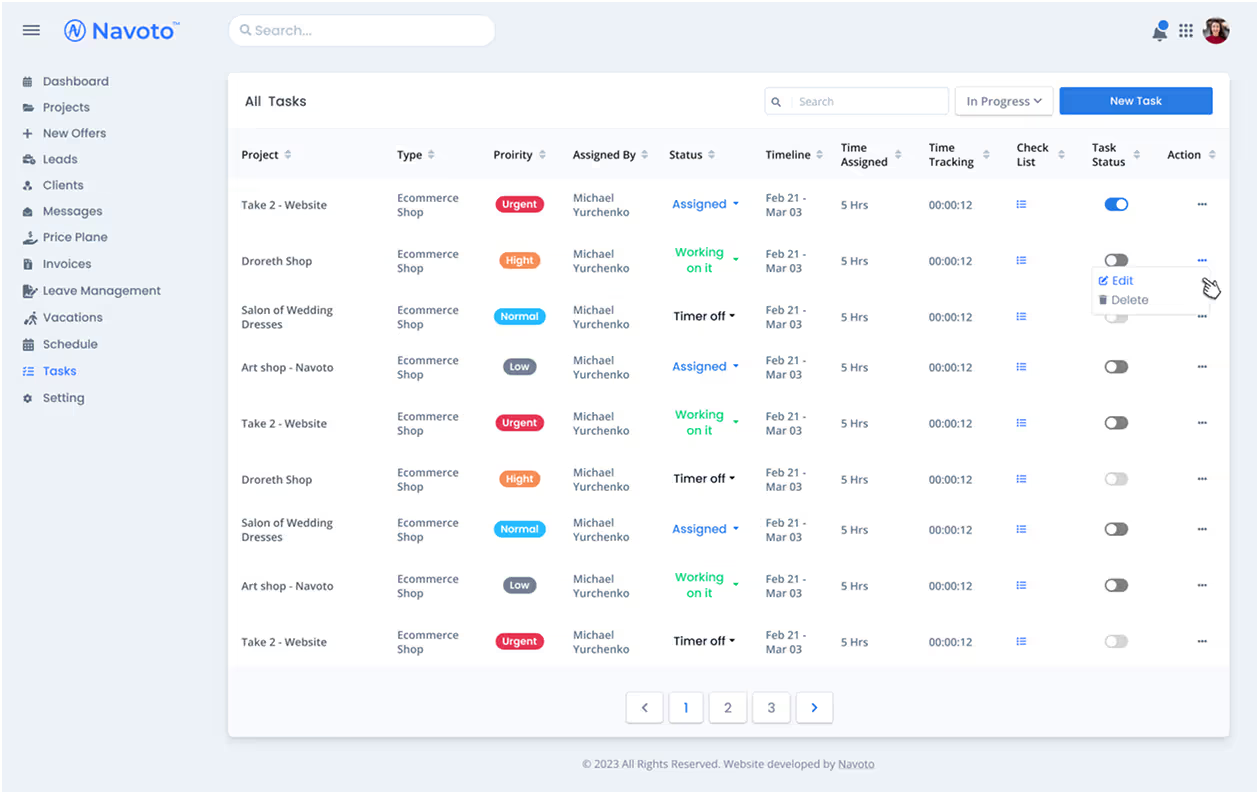
Task List screen for employees.
Prototyping & User Testing
After wireframing, I created interactive prototypes using Figma to test usability. The team participated in usability tests where they performed real tasks within the CRM.
Iterations & Improvements
Refined dashboard layout for better information hierarchy.
Enhanced project tracking features with visual progress indicators.
Improved lead and client management with faster navigation.
Added shortcuts for frequently used actions (e.g., "New Project," "New Invoice").
Design System
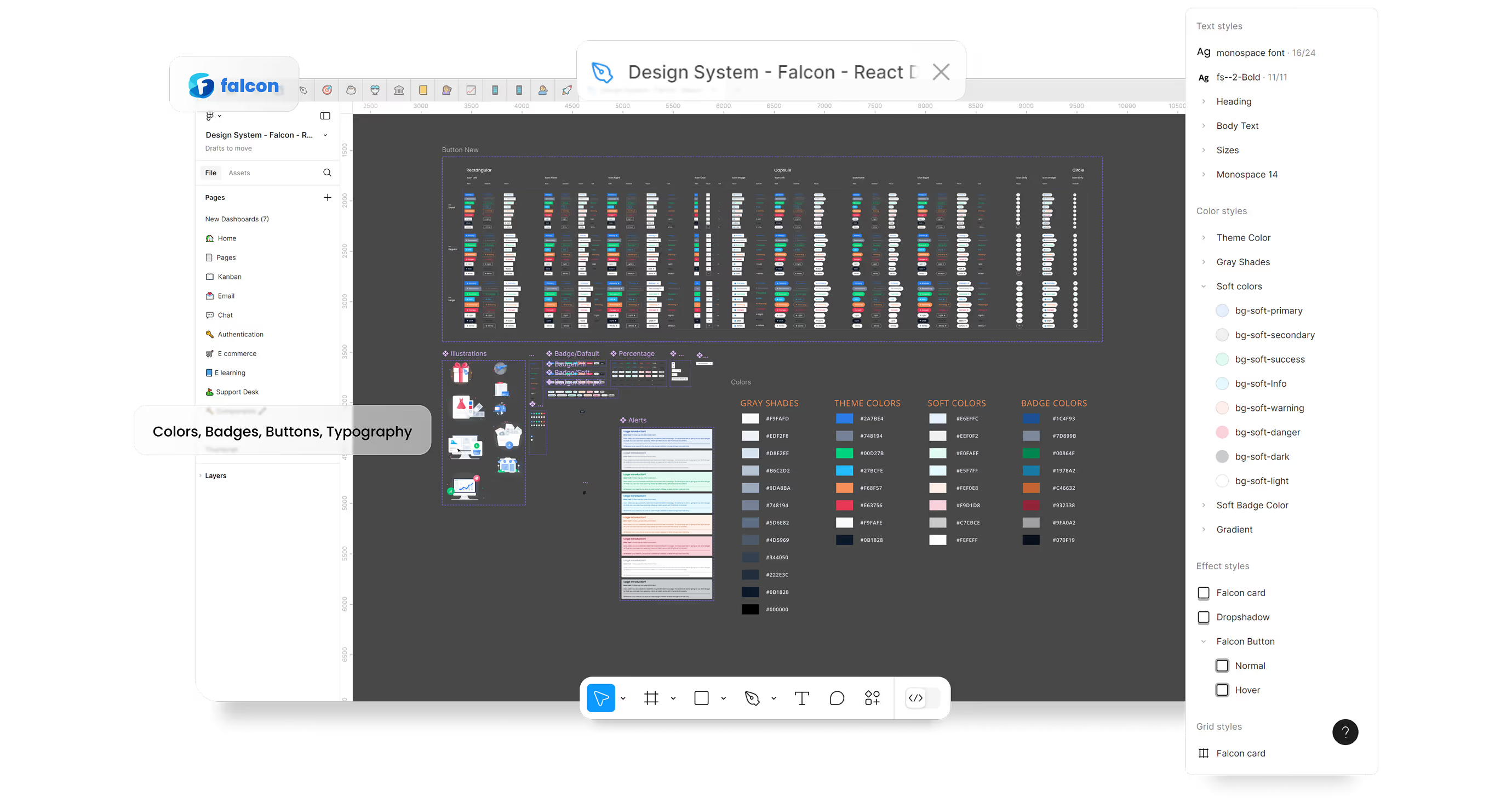
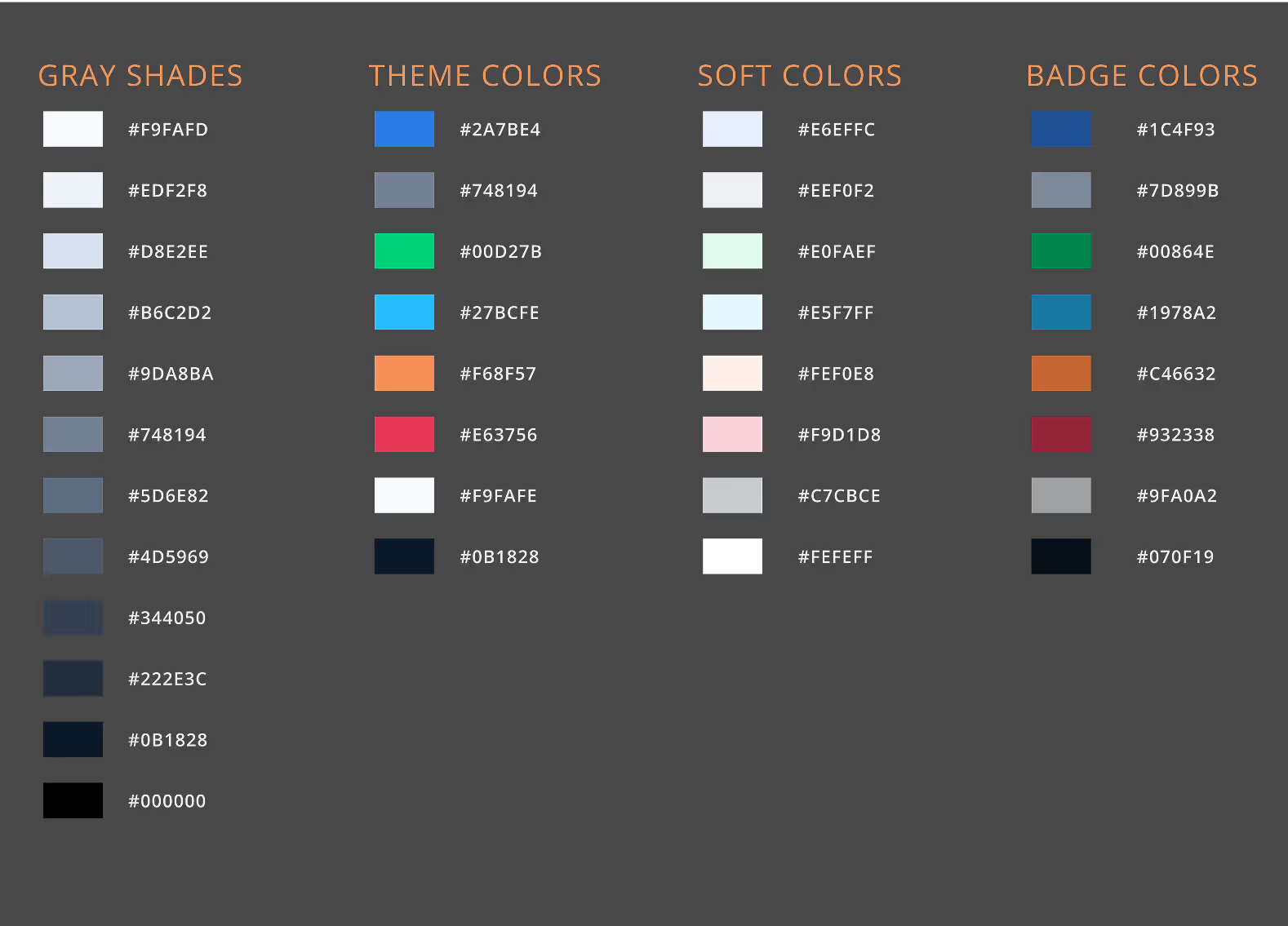
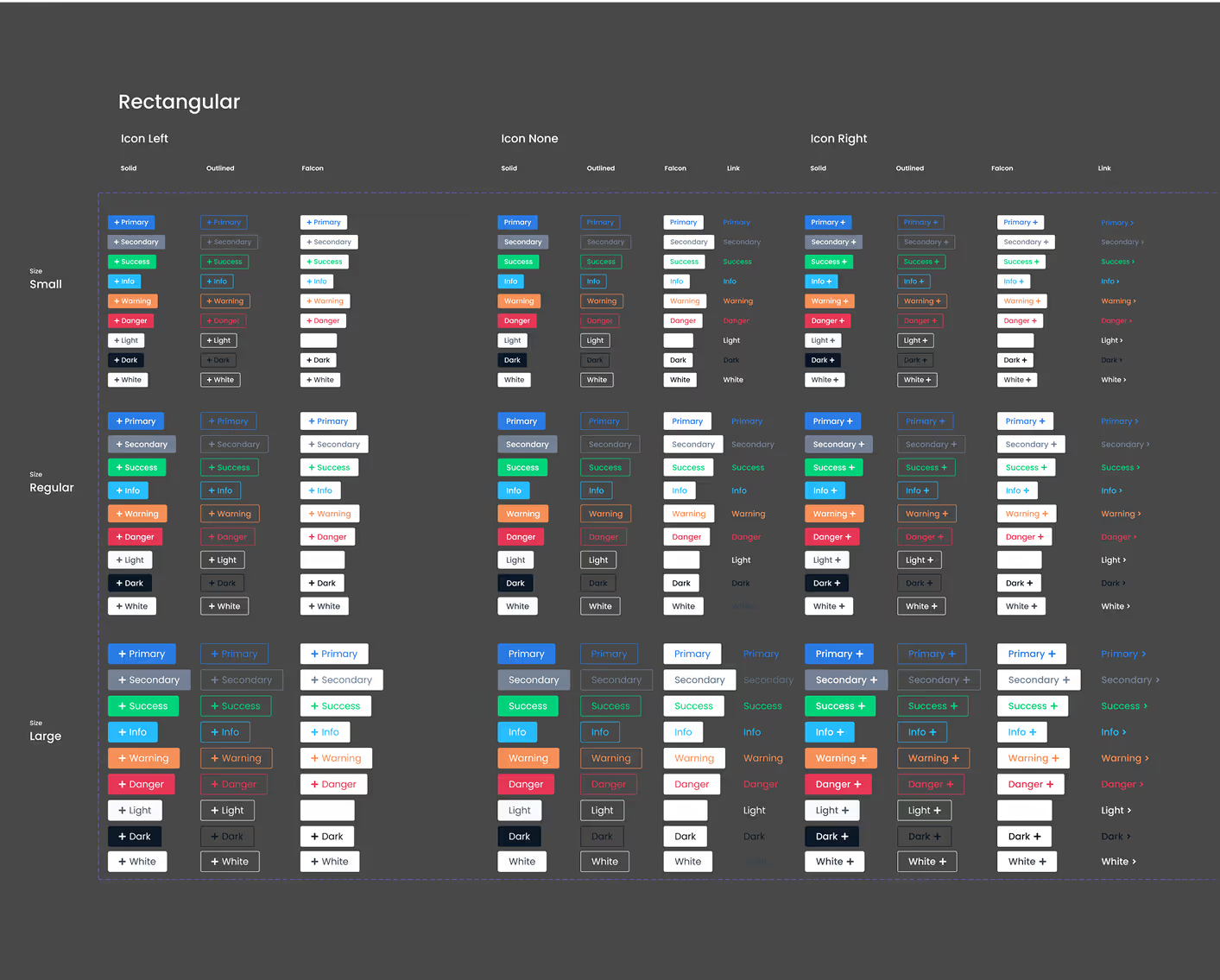
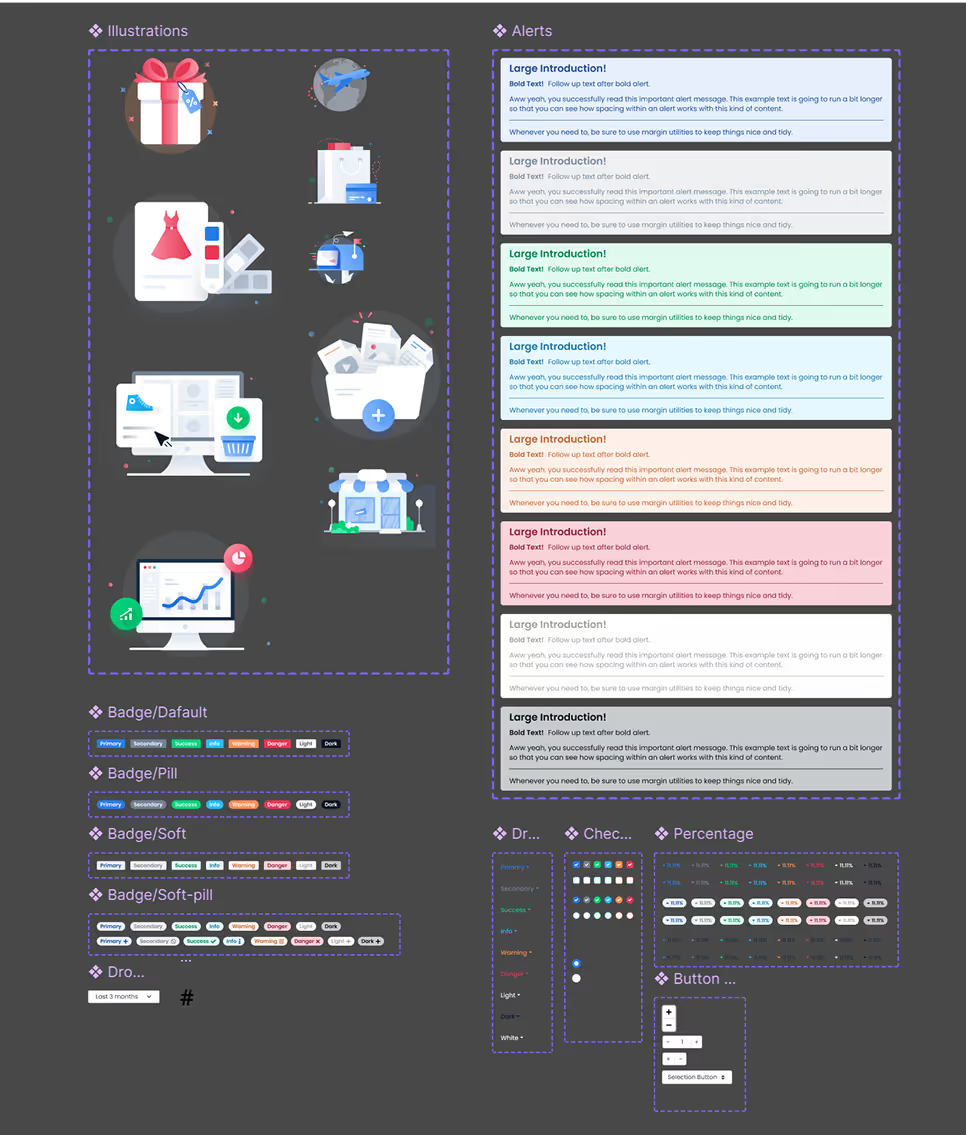
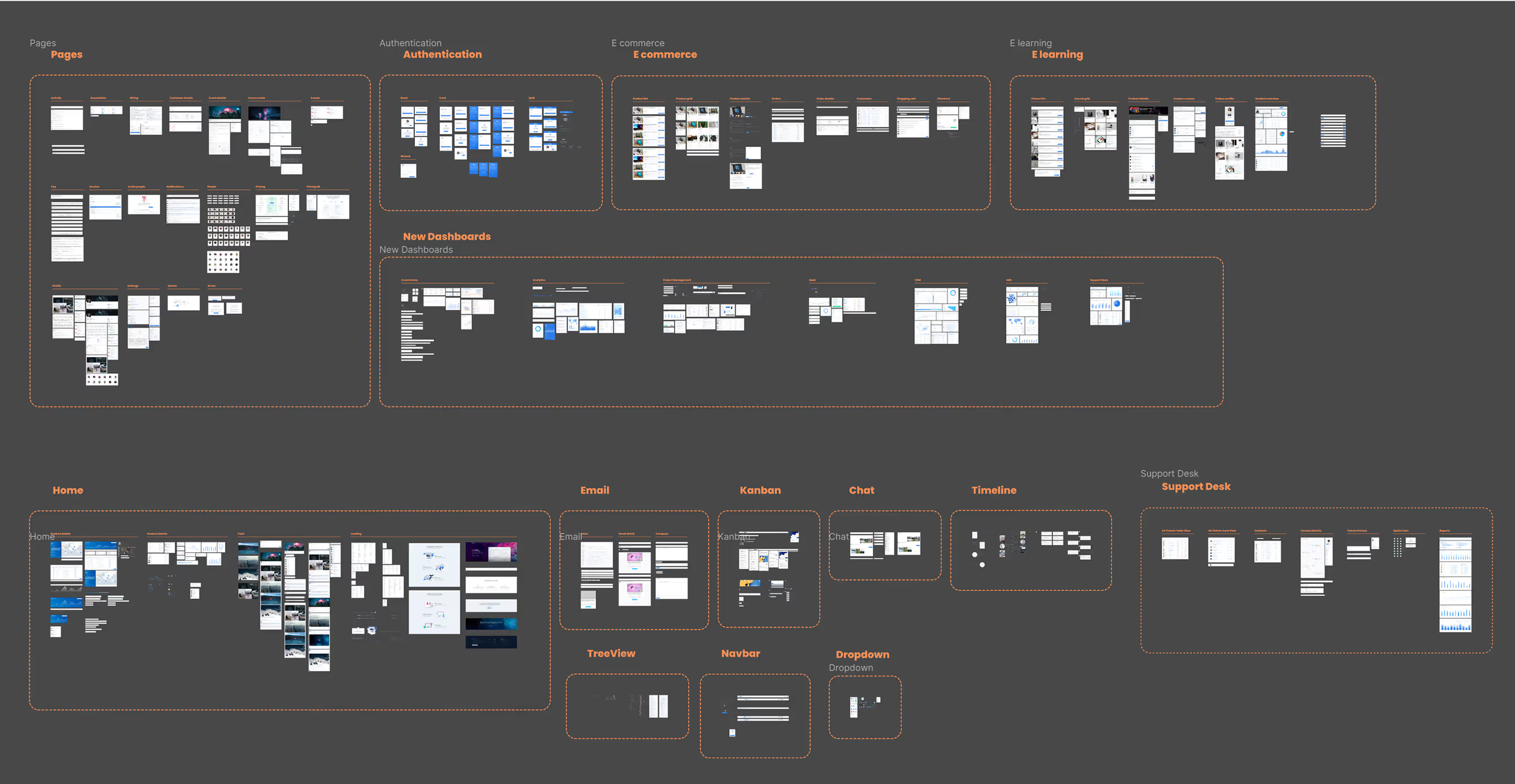
To ensure consistency and efficiency, we leveraged the Falcon Design System, which provided a comprehensive set of pre-built components and a well-structured framework. This allowed designers and developers to collaborate seamlessly, accelerating the design and development process while maintaining a polished and cohesive user experience.
Analytics and Performance
Additionally, we conducted multiple rounds of A/B testing within the team during the early design stages. We tested different dashboard layouts, navigation structures, and form designs to determine the most intuitive and efficient solutions. The insights gained from these tests directly influenced our final design decisions, ensuring a user-centric and data-driven approach.
If we had more time, we would have integrated analytics tracking to monitor user interactions across key features. This would have helped us identify pain points, measure engagement, and refine workflows based on real usage data.

Key Outcomes:
The final design delivered a modern, scalable, and user-friendly CRM system that optimized internal operations.
Final Design & Impact
Improved lead and client management with faster navigation.
Added shortcuts for frequently used actions (e.g., "New Project," "New Invoice").
Refined dashboard layout for better information hierarchy.
Enhanced project tracking features with visual progress indicators.
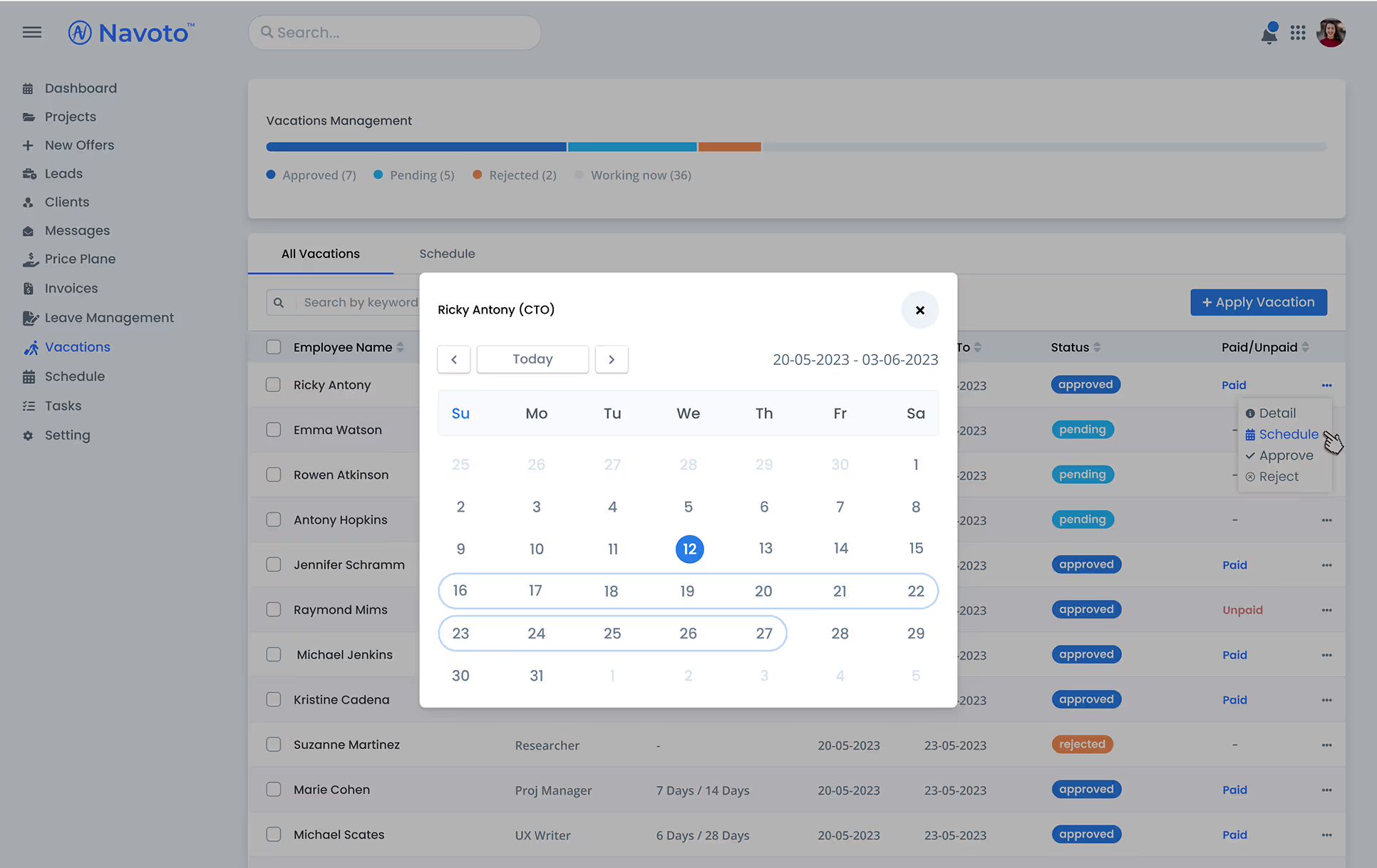
Vacation menu - detailed employee schedule
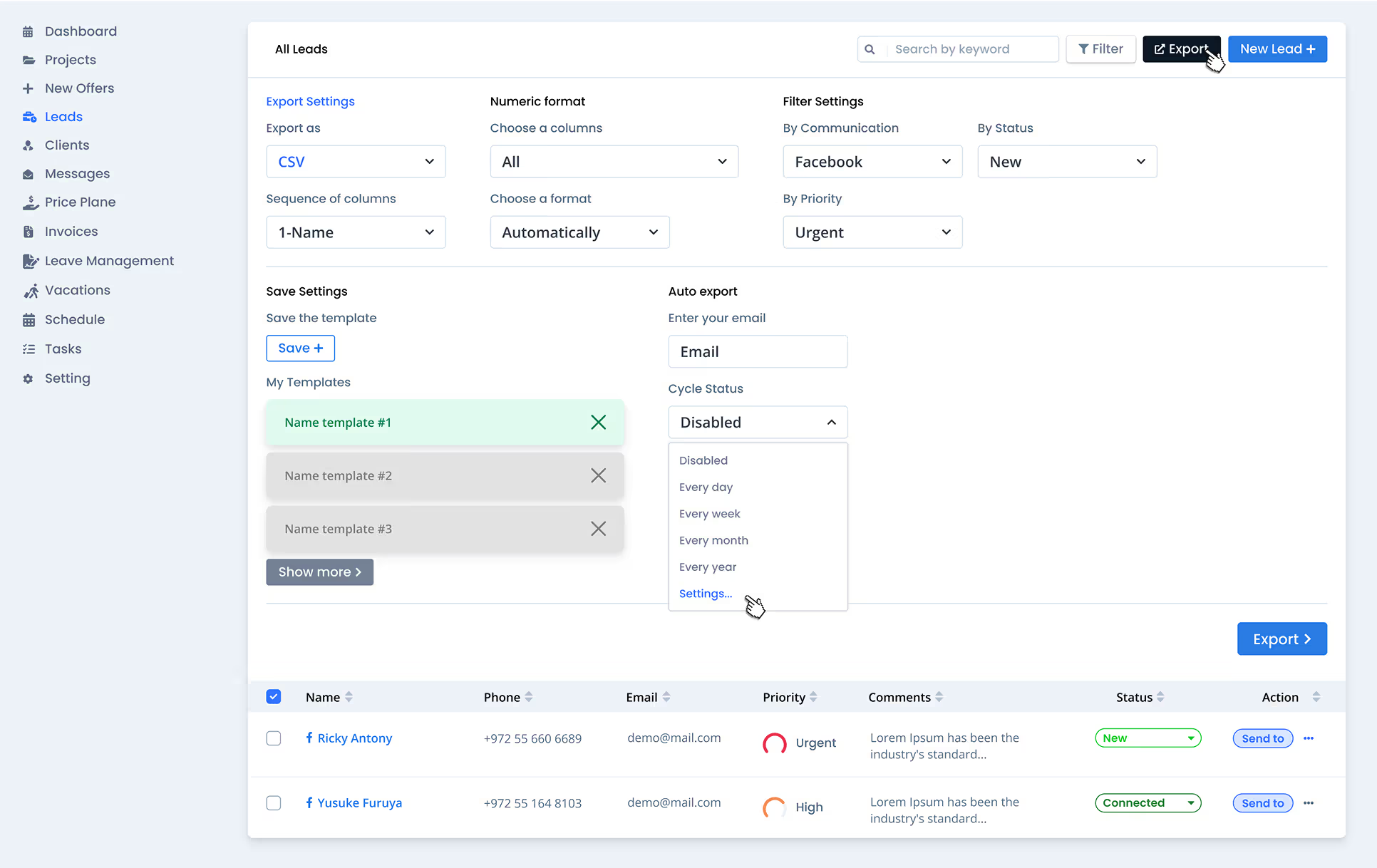
Lead export setup functionality
Conclusion
Through extensive research, competitive analysis, and iterative design, I transformed an outdated CRM into a powerful tool for IT management. This project reinforced the importance of user-centered design and cross-departmental collaboration in building effective enterprise solutions.